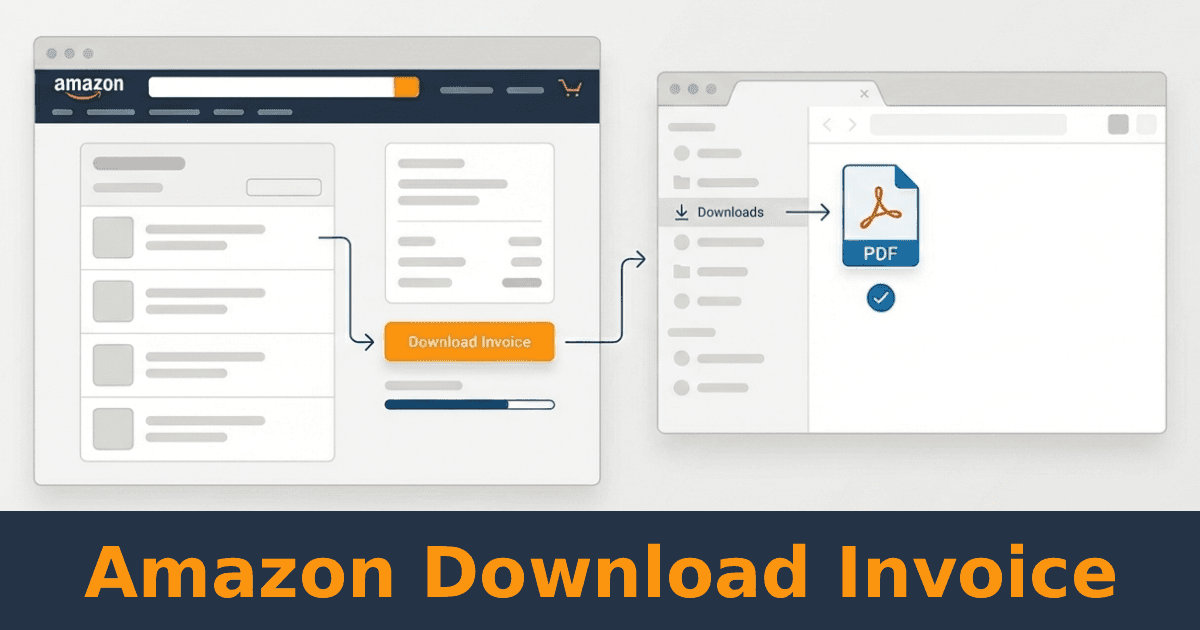
How to Download Invoices from Amazon
For personal orders, Amazon Business, and recurring bookkeeping.
Downloading an invoice from Amazon is straightforward if you only need one document. It becomes time-consuming when invoices are needed regularly for bookkeeping, taxes, or expense tracking.
Below are the exact manual steps to download Amazon invoices, followed by an option for automating invoice collection if this is a recurring task.
How to download an invoice from Amazon (manual method)
For standard Amazon orders (desktop or app)
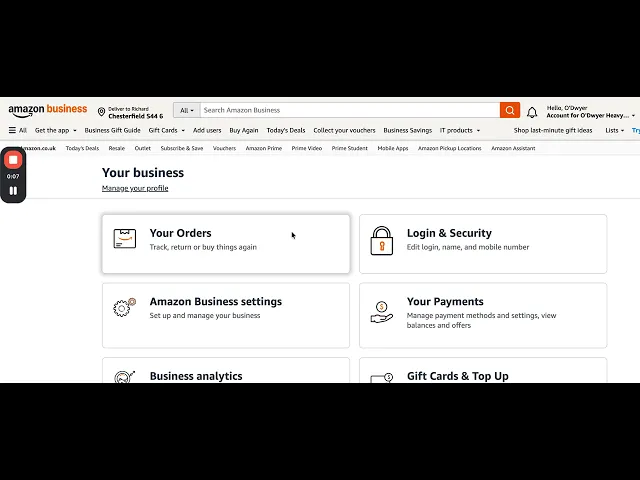
Sign in to your Amazon account and go to Your Orders
Find the order you need an invoice for
Click "Invoice" drop down link on the order
Select Invoice and download the document as a PDF
Note:
Invoices are usually available after delivery. Availability may vary for marketplace sellers.
For some orders you not see an Invoice download link, but you will see "Request an invoice", if you see this, click it and an invoice will be requested from the seller (this can take some time).
Step-by-step video: Downloading an invoice from Amazon:
For Amazon Business accounts
Sign in to your Amazon Business account
Go to Business Analytics
Open Reports and select Orders
Choose Get order invoices and other documents
Select one or more orders and download the invoices in bulk
For Prime membership payments
Go to My Amazon Prime
Open View all printable receipts
Download the receipt for the relevant billing period
When manual invoice downloads stop working
Downloading a single invoice once is rarely a problem. Issues usually appear when Amazon invoices are needed regularly.
Common friction points include:
Repeating the same steps every month
Missing invoices when orders span multiple accounts
Manually organizing PDFs for bookkeeping
Downloading invoices late at month-end
At that point, the problem is not knowing where to click. It is the repetition.
Automatically downloading Amazon invoices
If Amazon invoices are part of your regular bookkeeping process, automating invoice collection removes the repetitive work.
Booksmate connects to your Amazon account and automatically downloads invoices as they become available. Invoices are collected in the background and prepared for export alongside invoices from other vendors.
This is useful for:
Businesses with frequent Amazon purchases
Teams managing multiple Amazon accounts
Founders and finance teams collecting invoices monthly
How Booksmate fits into invoice collection
Booksmate does not replace accounting or tax software. It automates invoice collection so documents are consistently available when you need them.
Invoices downloaded from Amazon are stored in one place and can be exported to your accounting system or shared with your tax advisor.
Download Amazon invoices without manual work
If you only need a single invoice, the manual steps above work.
If Amazon invoices are a recurring task, automating the process saves time and reduces missed documents.
Start automatically collecting Amazon invoices with Booksmate.
For personal orders, Amazon Business, and recurring bookkeeping.
Downloading an invoice from Amazon is straightforward if you only need one document. It becomes time-consuming when invoices are needed regularly for bookkeeping, taxes, or expense tracking.
Below are the exact manual steps to download Amazon invoices, followed by an option for automating invoice collection if this is a recurring task.