Last updated: 2026-10-16
How to download invoices from Canva
Booksmate downloads Canva invoices automatically: add Canva in Booksmate, press Fetch All, and your invoices are downloaded for you. Manual steps are listed below if you prefer to download them yourself.
How do you download a Canva invoice?
On the Canva homepage, select your profile icon, then Settings, then the Orders and invoices tab. Find the purchase and select View invoice. For print orders, select More first, then View invoice. It downloads as a PDF.
- Canva also emails a copy of the invoice each time it charges you. Select View Details in that email to open it in Canva.
- Use the search box for an invoice ID, or filter by date or type to find older invoices.
Why can't you find your Canva invoice?
Most often you are signed in to a different account or team from the one that paid. Switch team from your profile menu, or sign in with the email address that got the purchase confirmation.
- Team members only see invoices for purchases they made themselves. Team admins and Brand Owners see all team invoices.
- Purchases made in the Canva mobile app go through Apple or Google, so the receipt is in your App Store or Google Play history, not in Canva.
How do you match a Canva charge on your bank statement?
Canva charges show as CANVA* followed by the invoice number, for example CANVA*01234-1234567. Search that number in Orders and invoices to open the invoice.
- If the invoice number starts with the letter I, search only the digits after it.
- PayPal payments show the seller as Canva Pty Limited, or Canva UK Operations Limited in the UK.
- To match a PayPal payment to its invoice, use the Payment Attempt ID starting with pa in the PayPal transaction details.
Automatically download Canva invoices
Booksmate downloads Canva invoices automatically in seconds. Add Canva in Booksmate, press Fetch All, and every invoice is downloaded for you without manual login.
-
Add
Canva inside Booksmate.
- Press Fetch All and log in to your Canva account.
- Done! Your invoices are automatically downloaded for you.
Start collecting Canva invoices automatically
Booksmate downloads your Canva invoices and saves them as PDFs, so you never log in manually again.
Sign up for Booksmate
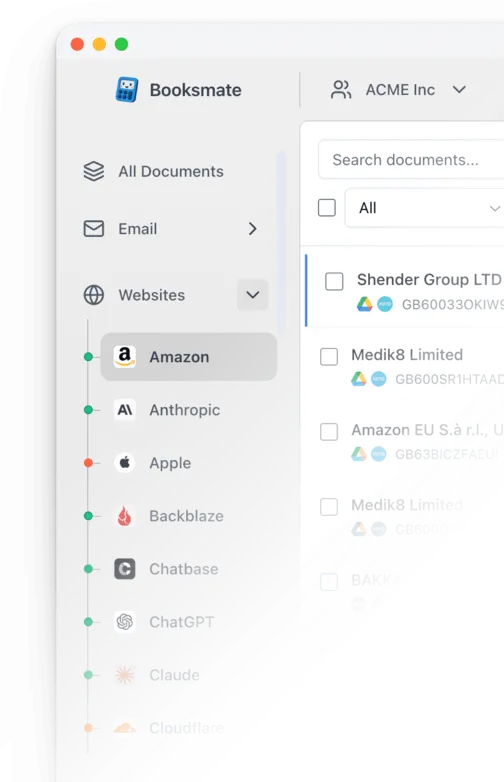
Add Canva inside Booksmate
Press Fetch All and Booksmate downloads your invoices
No risk. Cancel anytime.
Manually download Canva invoices
- On the Canva homepage, select your profile icon. If you do not see it, look under More
- Make sure you are in the account and team that paid. The current team has a check mark next to it
- Select Settings
- Select the Orders and invoices tab
- Find the purchase and select View invoice. For print orders, select More first, then View invoice. The invoice downloads as a PDF
Important details
- Invoices are under Settings, Orders and invoices
- Team members only see their own purchases
- App Store and Google Play purchases are billed by Apple or Google
Canva Invoice FAQs
Is it safe to use Booksmate with Canva?
Yes. Booksmate runs on your own computer and never stores your Canva password, so your login details are not shared with any third party.
Can I download old invoices?
Yes. When you first add Canva to Booksmate, Booksmate downloads the full invoice history that is available in your Canva account.
Does Booksmate support email invoice collection?
Yes. Booksmate gathers invoices from your email inbox in addition to web portals like Canva, giving you one complete invoice collection setup.
Can I download all my Canva invoices at once?
Yes. Booksmate downloads your complete Canva invoice history automatically. Add Canva, press Fetch All, and every available invoice is saved to your computer.
Are Canva invoices saved as PDF files?
Yes. Booksmate saves every invoice as a PDF, so they are easy to organize, share, or upload to your accounting software.
How do I change the name or address on my Canva invoice?
Edit your billing details in Canva. Canva says the changes apply to both past and future invoices, so you can download the invoice again with your business name on it.
Can I download all my Canva invoices at once?
Canva's help only describes downloading invoices one at a time: you open each purchase in Orders and invoices and download its PDF. If you need the Canva invoice every month for your bookkeeping, Booksmate can collect it for you.