Articles
Your Best crm that works with quickbooks for 2026
You’re dealing with the same mess I see in a lot of small and mid-sized teams. Sales wants a cleaner pipeline. Accounting wants QuickBooks to stay accurate. The owner wants fewer spreadsheets, fewer duplicate customer records, and fewer “who changed this invoice?” conversations.
That’s where choosing a crm that works with quickbooks gets tricky. A lot of tools say they integrate with QuickBooks, but the core question isn’t whether a connector exists. It’s whether the sync is usable when invoices, payments, customer edits, credits, and handoffs start piling up. Some setups look fine in a demo and then create reconciliation work every month-end. Others are less flashy, but they keep your records cleaner and your staff out of manual re-entry.
From a finance workflow perspective, the best options usually do three things well. They keep customer and invoice records aligned, they give sales enough context without handing them the accounting file, and they reduce the amount of cleanup a bookkeeper has to do later. If a CRM can’t handle those basics, it usually becomes another system that accounting has to babysit.
If you’re still sorting out your broader stack, it also helps to compare your CRM decision against the rest of your finance setup, especially if you’re early-stage or still standardizing tools. This guide to the best accounting software for startups is a useful companion if you’re thinking beyond CRM alone.
Below are the tools I’d shortlist when someone asks for a crm that works with quickbooks, with the trade-offs that matter when reconciliation and data integrity matter just as much as pipeline management.
1. Method CRM
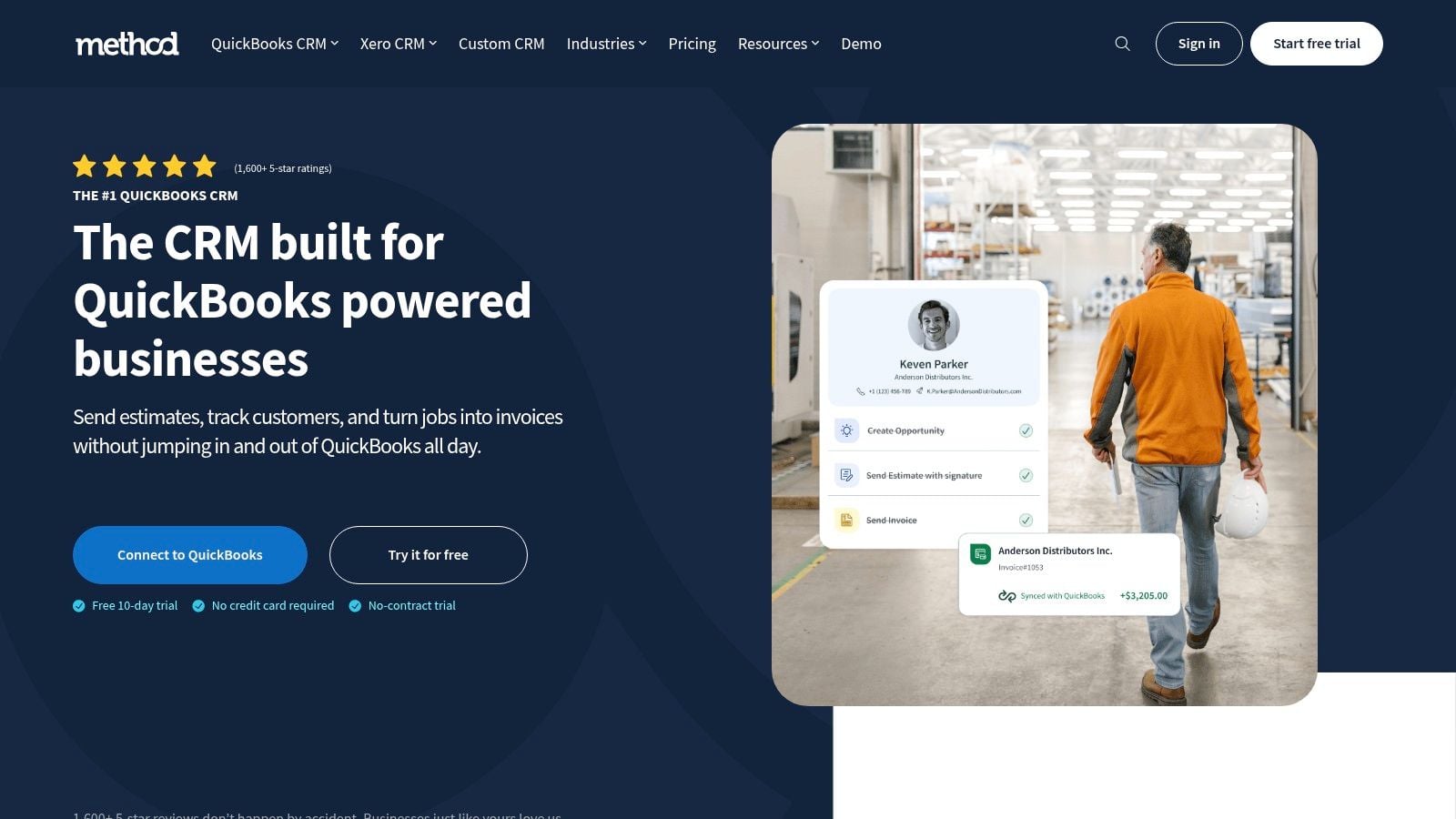
Method CRM is the one I bring up first when QuickBooks is the system of record and nobody wants to fight that reality. It was launched as a dedicated QuickBooks companion and uses a patented two-way sync for customer data, invoices, and payments, which why it’s often the most practical fit for accounting-led teams using Method CRM.
It also stands out on Intuit’s side of the ecosystem. Method has over 1,400 five-star reviews on Intuit’s apps.com from QuickBooks users and ProAdvisors, which says a lot about how closely it’s tied to QuickBooks workflows rather than generic CRM marketing.
Where Method works best
Method works best when your bookkeeper or accountant needs sales and service staff to work around QuickBooks data without everyone logging directly into QuickBooks all day.
Its strengths are practical:
- Deep QuickBooks focus: Customer records, invoices, and payments stay aligned without a lot of duplicate entry.
- Useful customization: Teams can tailor screens and workflows without heavy coding.
- Better accounting visibility: Sales, support, and finance can work from the same customer view instead of maintaining separate notes.
For firms with high invoice volume, that matters more than polished graphics.
Practical rule: If QuickBooks drives billing, collections, and reporting, choose the CRM that respects QuickBooks first and “enhances” it second.
Where Method can frustrate teams
The trade-off is that Method feels more operational than glamorous. If your leadership team expects a sleek marketing-first CRM experience, this may feel utilitarian.
It’s also worth knowing that Method’s native QuickBooks emphasis is different from broad CRM platforms. In practice, that’s great for bookkeepers and less exciting for teams that want a massive app ecosystem before they’ve nailed their accounting workflow.
Method is especially strong for businesses exporting invoice data from automation platforms into QuickBooks and then needing that same financial context visible inside CRM workflows. That’s why I’d rank it near the top for any accounting-heavy business looking for a crm that works with quickbooks without creating extra reconciliation work later.
2. HubSpot
A common handoff problem looks like this: sales marks a deal closed, the customer expects an invoice the same day, and accounting is still re-entering details in QuickBooks. HubSpot helps when the business wants that handoff to happen inside a sales system people will keep updated, while still giving finance useful billing context inside the CRM.
Its QuickBooks connection makes sense for teams that care about pipeline visibility first and accounting accuracy second, in that order. Contacts, products, invoices, and payment status can be shared between systems, which cuts some duplicate entry and gives reps a clearer picture of what has been billed and what is still outstanding.
What makes HubSpot useful from a finance workflow perspective
The main benefit is not flashy automation. It is fewer disconnected conversations between sales and accounting.
A rep can check whether an invoice exists, whether a customer has paid, and whether finance needs to step in before promising more work. That helps collections calls, renewal conversations, and account reviews stay grounded in current billing activity instead of memory or side messages.
HubSpot also gives teams flexibility in how they set sync behavior and review sync issues. That matters because a QuickBooks integration is only as good as its exception handling. If customer names, product mappings, or invoice edits do not line up cleanly, the most important test is whether someone can catch and correct the problem before month-end cleanup.
There is also practical value in HubSpot’s larger app ecosystem. Businesses that run lead capture, quoting, deal stages, and customer communication inside one platform often find it easier to keep financial context visible there instead of forcing staff to switch between tools all day.
For teams already committed to HubSpot, this companion guide on A Guide to Growing Your Business with HubSpot is worth reading alongside the accounting decision.
Where bookkeepers need to be careful
HubSpot works best when QuickBooks remains the source of truth for accounting. That boundary needs to be clear early.
Here are the trade-offs I would call out:
- QuickBooks Online is the practical fit: If your company still depends on QuickBooks Desktop or Enterprise, HubSpot becomes a less obvious choice.
- Invoice detail still needs review in QuickBooks: Tax settings, posting logic, and certain edits are usually safer there.
- Costs rise as complexity rises: Advanced automation, broader user access, and add-ons can change the budget faster than teams expect.
I have seen HubSpot work well for companies that want sales, marketing, and finance looking at the same customer record without turning the CRM into a second accounting system. I have also seen it disappoint teams that expected it to solve reconciliation problems by itself.
If you need a crm that works with quickbooks because leadership wants clearer revenue visibility across the funnel, HubSpot is a strong option. If the priority is tight accounting control and the least possible cleanup at close, it is good, but usually not the first one I would put in front of a bookkeeper.
3. Zoho CRM
Zoho CRM is the practical choice for teams that want flexibility and don’t mind making a few design decisions up front. It can connect to QuickBooks Online through marketplace extensions and partner connectors, which gives you more than one path to the same outcome.
That flexibility is both the reason people choose Zoho and the reason some implementations get messy.
Why Zoho earns a place on this list
If you’re already using Zoho apps, Zoho CRM can become part of a broader operating system. You can combine CRM, Books, Inventory, and workflow automation in a way that fits how your business runs rather than forcing everyone into a rigid model.
The upside is clear:
- Multiple connector choices: You can choose a simpler connector or a more advanced one depending on your process.
- Custom workflow potential: Good fit for businesses with unusual handoffs between sales and finance.
- Broader ecosystem value: Strong option if your company already lives in Zoho.
I’ve seen Zoho work well when a business has enough process discipline to define what should sync, what should stay in QuickBooks, and who owns changes on each side.
The catch with Zoho
Zoho can become a project. That’s not always bad, but it’s real.
Inventory and cost-of-goods nuances need careful planning, and some use cases need third-party tools or extra setup. That means a Zoho rollout can feel inexpensive at first and then become more involved once edge cases show up.
Don’t buy Zoho because it can do almost anything. Buy it because you know exactly what you need it to do.
For businesses that want a crm that works with quickbooks and also want room to customize around broader operations, Zoho is a solid middle ground. For firms that just want clean, low-drama syncing with minimal design work, it may be more flexible than necessary.
4. Pipedrive
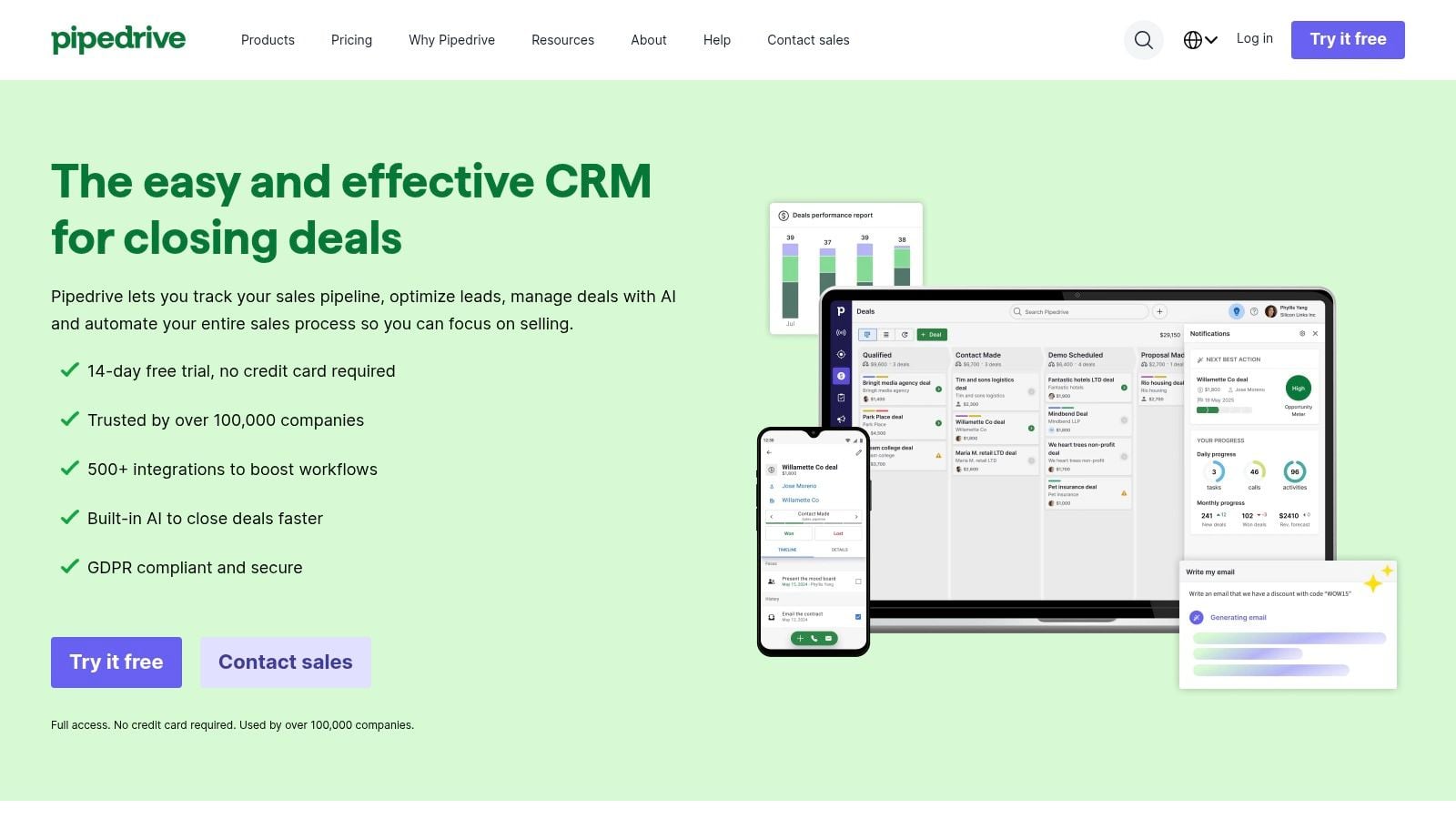
Pipedrive is the one I’d put in front of a sales-led team that wants an easy path from won deal to sent invoice. Its QuickBooks Online app is straightforward. Reps can create invoices from deal records, pull in products, and see invoice status without leaving the CRM.
That sounds simple because it is. Simplicity is the selling point here.
Best fit for a clean handoff
Pipedrive shines when the business process is linear. A lead becomes a deal, a deal closes, an invoice goes out, accounting takes over.
The strongest parts of the setup are usually these:
- Easy adoption for sales teams: The pipeline view is clear and focused.
- Direct invoice creation from deals: Less re-keying after close.
- Shared visibility: Sales can tell whether billing has moved forward.
For smaller service businesses, agencies, and straightforward B2B teams, that’s often enough.
What Pipedrive doesn’t solve
Pipedrive is less convincing when finance wants deep accounting context inside the CRM. It helps create and track invoices, but it doesn’t have the same accounting-first posture as Method.
A few limits matter:
- QuickBooks Online focus: Not ideal for Desktop users.
- Advanced automation may need extra tools: Once workflows get more complex, you may need an iPaaS.
- Sales-first perspective: Great for reps, less complete for back-office complexity.
If you want a crm that works with quickbooks and your top priority is a clean sales-to-billing handoff, Pipedrive deserves a look. If your accountant is already worried about edge cases, custom invoice logic, or heavy reconciliation, this probably won’t be the deepest option on the list.
5. Insightly
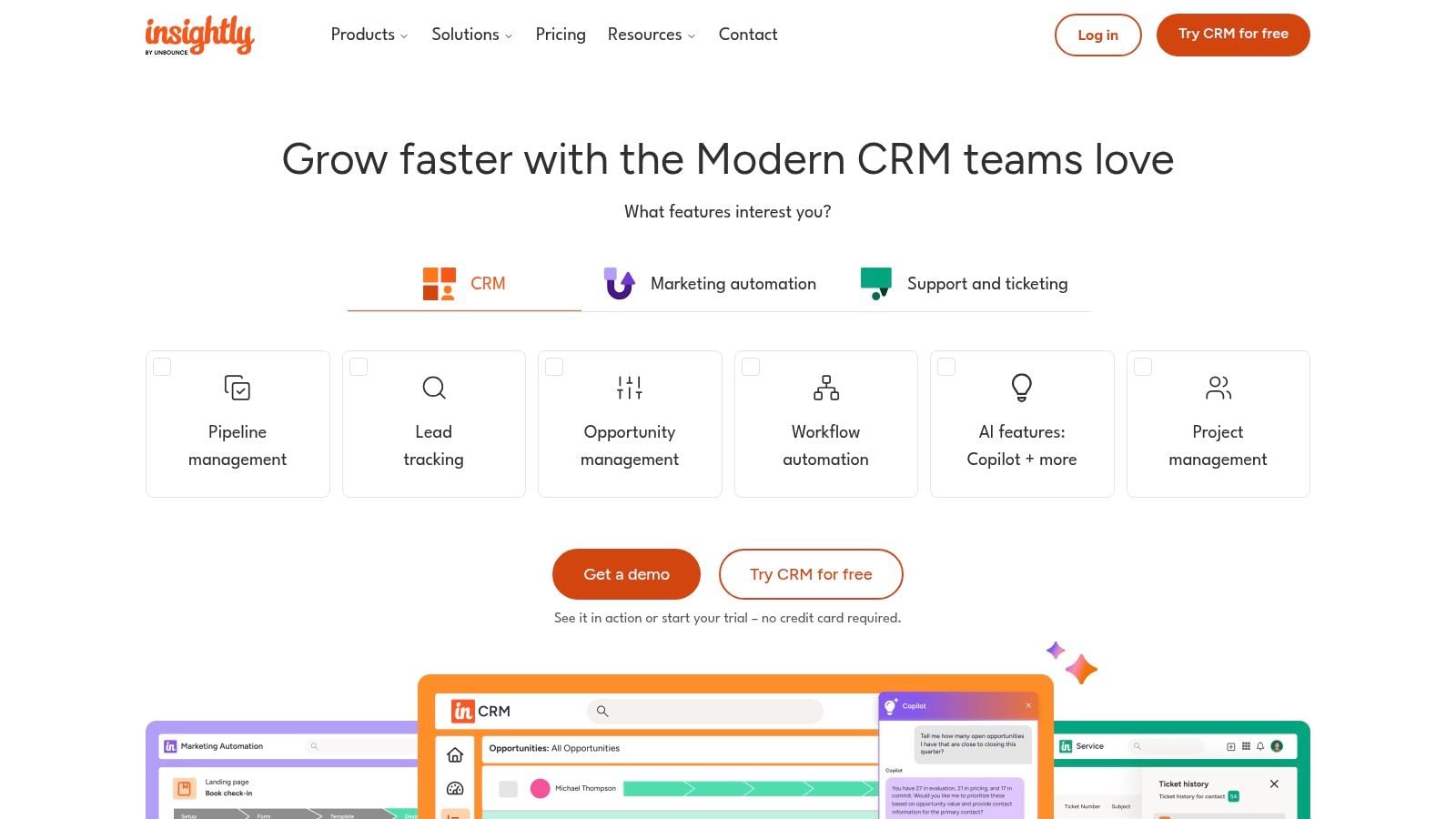
A common breaking point shows up right after the sale closes. Sales wants the account record to stay active, delivery needs project context, and accounting needs invoice status to stay clean. Insightly fits businesses that need those teams looking at the same customer record without turning the CRM into a full accounting system.
Its QuickBooks Online connection is useful for visibility first. Teams can see invoices, payments, and balances inside the CRM, which cuts down on status-check emails and side spreadsheets.
Where Insightly earns its place
Insightly tends to work best in firms where the customer relationship does not end at closed-won. Consultants, agencies, and service businesses often need sales notes, project activity, and billing context tied together well enough that handoffs do not depend on one person remembering the history.
That creates a few practical advantages:
- Useful shared record: Sales, account management, and operations can work from the same customer context.
- Financial visibility without full accounting access: Teams can check invoice and payment status without logging into QuickBooks.
- Permission control: Finance can limit who sees sensitive information, which matters once you have multiple departments in one system.
From a bookkeeping perspective, that last point matters. Good integrations are not only about how much data syncs. They are also about whether the right staff can see what they need without exposing the whole books file to every rep.
The trade-offs
Insightly is a middle-ground option, and middle-ground tools always involve compromise. The integration helps with visibility and coordination, but it is less compelling if your finance process depends on advanced sync rules, custom invoice workflows, or highly specific reconciliation steps.
AppConnect can extend what Insightly does across other apps. That may be fine for a growing team, but it adds cost, setup work, and another place where sync issues can hide.
It is also mainly a QuickBooks Online option. Desktop-heavy businesses should rule it out early rather than forcing a workaround.
For companies that want a crm that works with quickbooks and care about clean handoffs more than deep accounting control inside the CRM, Insightly is a sensible choice. I would put it on the shortlist for service-oriented teams that need customer, project, and billing context to stay connected, but do not need the CRM to act like an accounting front end.
6. Copper

Copper makes the most sense when the company already lives in Google Workspace and wants finance visibility without a heavyweight CRM project. If the team works out of Gmail, Calendar, and Google Contacts all day, Copper feels natural faster than most CRMs.
Its QuickBooks Online integration is lighter than the more accounting-focused tools here, but that isn’t always a weakness.
Where Copper fits
Copper is best for teams that want to see invoice context in the same place they manage communication and relationship activity.
That usually means:
- Fast onboarding: Especially for Google-centric small businesses.
- Low admin overhead: Less setup than many larger CRMs.
- Useful invoice visibility: Enough context for account managers and salespeople to stay informed.
For a founder-led company or a lean client-services team, that can be the right level of integration. Not every business needs an engineered sync model.
Where Copper falls short
The limitation is scope. Copper doesn’t position itself as a QuickBooks-first finance tool, and you feel that quickly if you’re trying to support detailed accounting workflows.
It’s also not for Desktop users.
A lightweight integration is only a win if your process is lightweight too.
If your staff mostly needs to know whether a client has been invoiced, whether payment has landed, and what the relationship history looks like, Copper can do the job with less friction than a bigger platform. If your bookkeeper wants stronger control over sync logic and record handling, this won’t be the strongest crm that works with quickbooks on the list.
7. Keap
Keap is a different kind of option. I’d look at it when the business wants CRM, marketing automation, quoting, invoicing, and payment links wrapped into one small-business-oriented workflow.
That makes it attractive to solopreneurs, small service firms, and teams trying to cut down on tool sprawl.
Why small teams like Keap
Keap can sync contacts, products, and invoice data with QuickBooks Online while tying billing milestones into automation. That’s useful if your follow-ups, reminders, and payment prompts all need to happen without manual chasing.
The appeal is less about deep accounting design and more about operational convenience:
- Strong SMB automation: Email and sales workflows can react to billing events.
- Built-in payments and quotes: Good for businesses that want fewer disconnected tools.
- Simple all-in-one feel: Easier for very small teams to manage.
For businesses with repeatable sales motions, that can create a cleaner client journey from inquiry through payment.
Why bookkeepers stay cautious
Keap can help trigger and organize billing-related work, but deep accounting scenarios can exceed its comfort zone. If your chart of accounts, tax treatment, product logic, or reconciliation rules are complex, QuickBooks still has to do the heavy lifting.
It also remains a QuickBooks Online-focused choice, so Desktop users should look elsewhere.
Keap is a reasonable crm that works with quickbooks when automation and small-team efficiency matter more than advanced finance architecture. For a lean business that wants to move faster without stitching together too many apps, it can be a smart compromise.
8. Freshsales
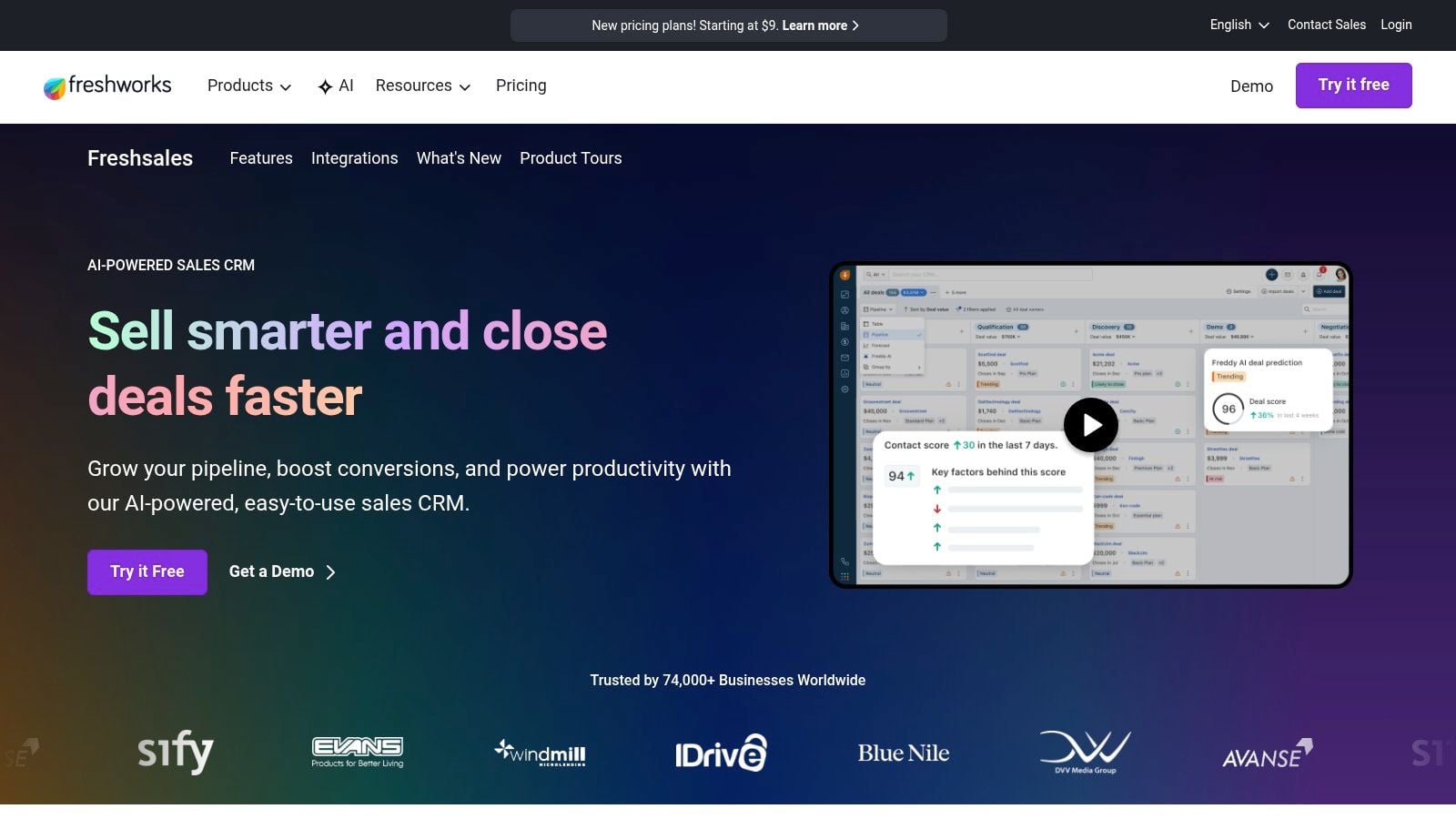
Freshsales is often easiest to justify when the company already uses Freshworks products. In that case, the QuickBooks integration feels like a natural extension instead of another disconnected plugin decision.
Its core appeal is simple. Sellers can create and manage QuickBooks invoices from contact or company records inside the CRM, and admins can shape what financial information shows up.
The practical upside
Freshsales gives reps enough billing context to work accounts more intelligently without forcing them into QuickBooks.
That’s useful in teams where customer success, support, and sales all need shared awareness. If the business also uses Freshdesk, the broader Freshworks environment can help tie support and billing conversations together more cleanly.
What I like here:
- Simple invoice workflow inside CRM: Less tab switching.
- Manageable learning curve: Good for SMB teams.
- Stronger fit for existing Freshworks users: Better when part of a larger Freshworks setup.
The caution
Freshsales isn’t usually the first tool I’d pick for highly customized accounting workflows. More complex integration cases may require an iPaaS, and its native ecosystem isn’t as expansive as some bigger rivals.
There’s also a broader warning that applies to many CRM integrations, not just Freshsales. One underserved issue in the market is sync reliability during high-volume invoice movement. A finance-focused analysis from ConvergeHub notes that this area remains poorly benchmarked, with content often focusing on features while leaving teams to manage duplication and sync failure concerns on their own in this discussion of QuickBooks CRM gaps.
That’s worth keeping in mind if your billing volume surges at month-end or across multiple client portals.
Freshsales is a solid crm that works with quickbooks for businesses that want accessible invoice visibility and already like the Freshworks environment. I’d be more cautious if high-volume reconciliation precision is the deciding factor.
9. monday sales CRM
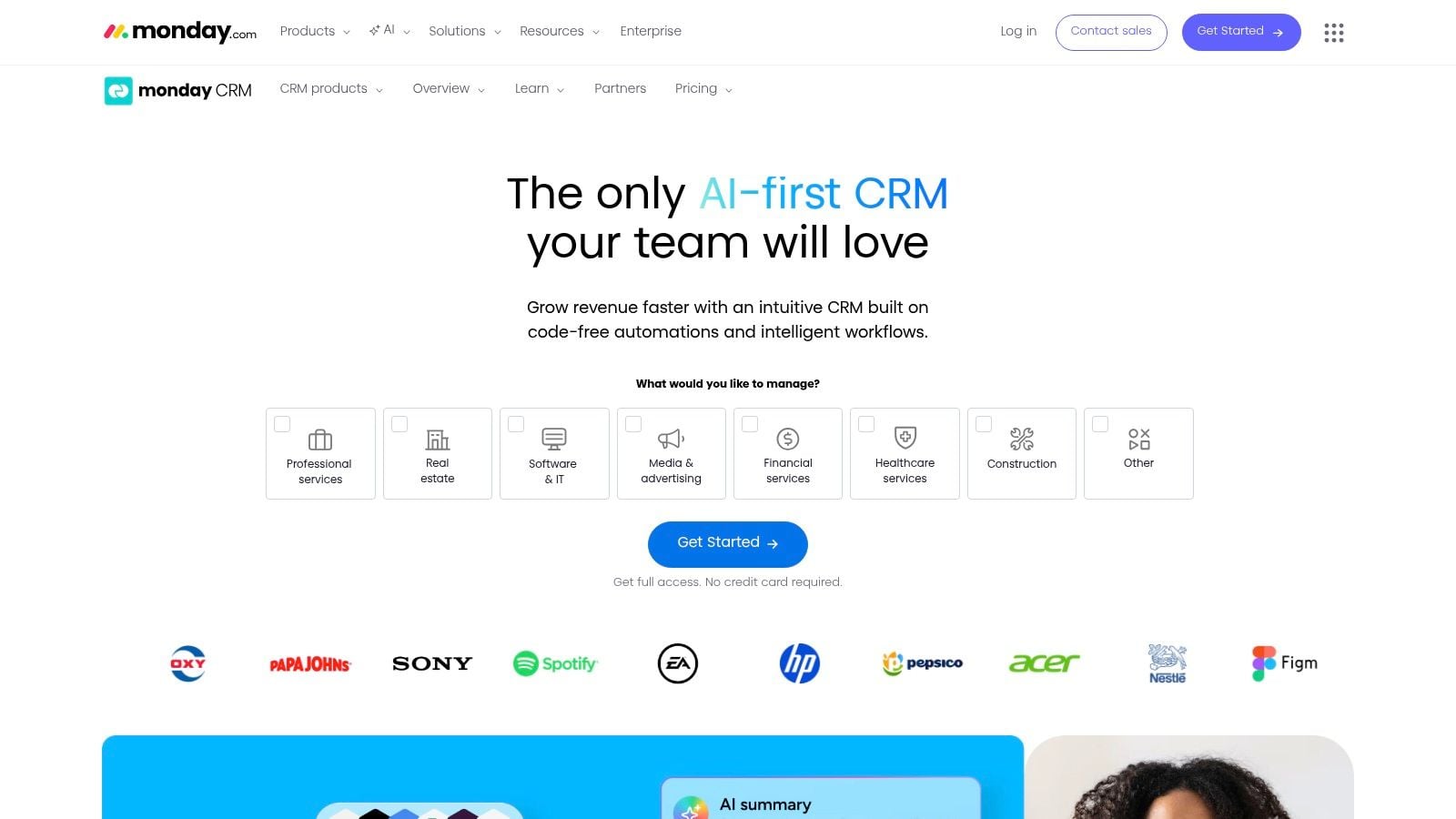
monday sales CRM fits teams that already think in boards, statuses, and automations. If your sales process, onboarding flow, and post-sale operations already run in monday, its QuickBooks integration can carry payment and billing information into the same workspace.
That makes it less of a traditional CRM choice and more of an operational coordination choice.
Where monday can be surprisingly useful
I’ve seen monday work best where several departments touch the same client record and everyone wants a visible stage-based workflow.
The strengths are clear:
- Highly configurable boards: Good for mapping quote, billing, onboarding, and follow-up stages.
- Shared operational visibility: Sales and ops can stay on the same page.
- Recognized fit in QuickBooks Advanced reporting environments: Helpful for teams standardizing around dashboard-driven management.
For organizations that like visual systems, monday often gets adopted faster than more rigid CRMs.
Where the finance line needs to be drawn
The limitation is that monday is still a board-driven platform, not an accounting engine. Complex accounting rules belong in QuickBooks, not inside monday logic.
That means it’s best when:
- QuickBooks remains the source of truth
- monday handles workflow visibility
- The sync is used for status and context, not accounting decision-making
If someone expects monday to solve nuanced financial process design on its own, they’ll be disappointed. But if the goal is to support a visible pipeline-to-billing handoff, it can absolutely function as a crm that works with quickbooks in a broader operations stack.
10. Salesforce with QuickBooks connectors
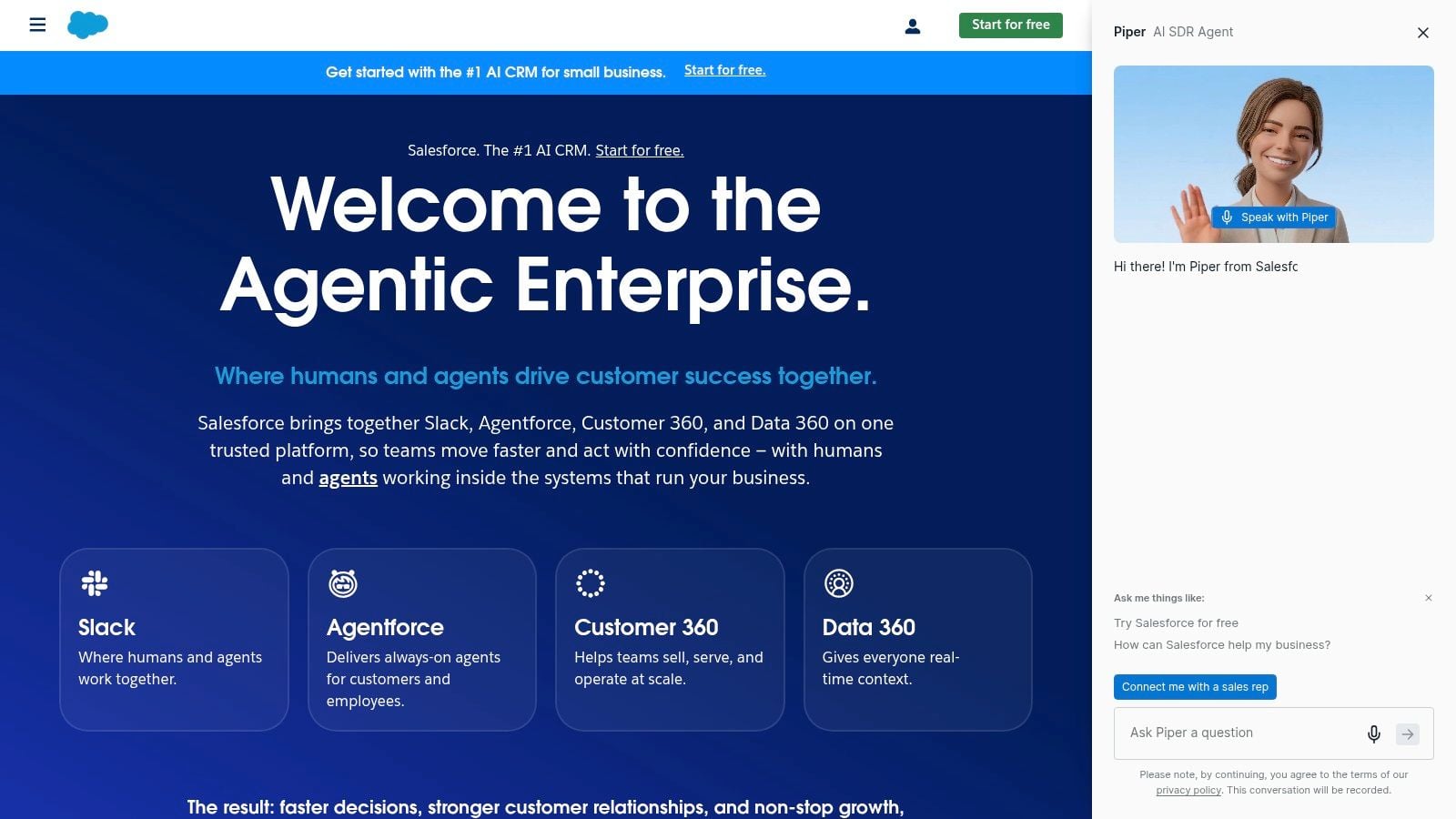
Salesforce belongs on this list for one reason: some companies are already too far into Salesforce to choose anything else. When that’s the case, the conversation isn’t “Should we pick Salesforce?” It’s “Which QuickBooks connector path gives us the least pain and the cleanest finance visibility?”
That usually means AppExchange tools or Intuit-supported connector routes, depending on whether you use QuickBooks Online or Enterprise.
Why enterprises still choose this route
Salesforce gives you broad customization, advanced reporting, and a large ecosystem. If multiple departments already depend on it, pulling QuickBooks data into Salesforce can create a more complete revenue picture than a simpler SMB CRM ever could.
That can be powerful for large teams that need:
- Complex custom objects and workflows
- Advanced reporting with accounting context
- Multiple integration pathways depending on QuickBooks edition
This is one of the few routes that can make sense for larger organizations needing either QuickBooks Online visibility or Desktop/Enterprise-oriented connector support.
Why smaller businesses usually shouldn’t
The downside is obvious. This route costs more, takes more effort, and introduces connector decisions that smaller teams often underestimate.
There’s also a broader strategic issue in the market around native versus third-party QuickBooks CRM integrations. A recent analysis highlighted that scalability trade-offs are often glossed over, especially once companies move into more complex, multi-user environments, as discussed in this Saleswise review of QuickBooks CRM integration trade-offs.
That doesn’t mean Salesforce is the wrong choice. It means you should treat connector design, permissions, mapping, and ownership as a significant implementation project.
“If you need Salesforce, you probably already know it. If you’re unsure, you probably don’t need Salesforce.”
For companies with serious customization needs, Salesforce can be a crm that works with quickbooks. For many SMBs, it’s more platform than they need, and more integration surface area than they want to maintain.
Top 10 CRMs That Integrate with QuickBooks
Product
Core QuickBooks Sync ✨
Reliability & UX ★
Value / Pricing 💰
Target Audience 👥
Standout USP 🏆
Method:CRM
Real‑time, two‑way sync (Online + Desktop) ✨
★★★★ utilitarian UI, very stable for Desktop
💰 Mid–High; Desktop focus justifies cost
👥 Bookkeepers & firms needing Desktop sync
🏆 Deepest QuickBooks Desktop fidelity
HubSpot (Sales Hub)
Maintained QBO app, deal→invoice workflows ✨
★★★★★ modern UX, widely supported
💰 Scales expensive at higher tiers
👥 Growth teams, mid‑market sales
🏆 Large app ecosystem & polished UI
Zoho CRM
Multiple marketplace connectors (Zoho/partners) ✨
★★★★ flexible but may need setup
💰 Low entry; cost‑effective customization
👥 SMBs, Zoho stack users & budget‑conscious teams
🏆 Choice of connectors for different needs
Pipedrive
Native QBO app: create invoices from deals ✨
★★★★ very easy for sales; focused UX
💰 Low–Mid; add‑ons raise TCO
👥 Sales‑centric SMBs wanting simple invoicing
🏆 Efficient deal→invoice workflow
Insightly
QBO integration + AppConnect for automations ✨
★★★★ balanced UX for projects & sales
💰 Mid; AppConnect inc. for complex flows
👥 Mid‑market, project‑oriented teams
🏆 Project + accounting visibility in CRM
Copper
QuickBooks Online visibility in Google‑native CRM ✨
★★★★ smooth Gmail/Workspace UX, low admin
💰 Mid; fast onboarding for Google teams
👥 Google Workspace SMBs
🏆 Best Google‑centric CRM + QBO visibility
Keap
Sync contacts/products/invoices + payments ✨
★★★★ strong automation for SMBs
💰 Mid; reduces tool sprawl for small teams
👥 Solopreneons & SMBs needing marketing+billing
🏆 Integrated marketing automation + billing
Freshsales (Freshworks)
Create/manage QBO invoices from CRM ✨
★★★★ straightforward; fewer native apps
💰 Mid; simple for Freshworks customers
👥 SMB sellers using Freshworks suite
🏆 Easy 'invoice from CRM' for Freshworks users
monday sales CRM
Map fields to QBO; visual boards & automations ✨
★★★★ highly configurable, visual UX
💰 Mid–High depending on boards & automations
👥 Teams standardizing on monday boards
🏆 Visual workflow + recognized QBO partner
Salesforce (with connectors)
Enterprise QBO apps; Desktop connectors available ✨
★★★★★ extremely powerful; complex to implement
💰 High; paid connectors + implementation costs
👥 Enterprises with complex finance ops
🏆 Deep extensibility, advanced reporting & scale
Final Thoughts
The right crm that works with quickbooks depends less on brand recognition and more on where your operational pain sits.
If the biggest problem is duplicate entry, reconciliation friction, and keeping QuickBooks as the financial source of truth, Method is usually the cleanest answer. It was built around QuickBooks, and that matters. Bookkeepers tend to appreciate tools that don’t ask them to redesign accounting logic just so sales can have prettier dashboards.
If the biggest problem is cross-team visibility, especially between marketing, sales, and finance, HubSpot is often the better fit. It gives commercial teams more room to work in one system while still keeping invoice and payment data close to the pipeline. It’s a stronger revenue-operations play than an accounting-control play.
The middle of the market is where most decision-making happens. Zoho, Insightly, Pipedrive, Freshsales, and monday can all work well. The difference is how much process discipline your team has and how much sync complexity you need. In my experience, companies often overbuy flexibility and underinvest in field mapping, permissions, and ownership. Then they blame the CRM when the underlying issue was implementation design.
That’s especially true if your finance process includes invoices coming from more than one source. Once you’re pulling documents from email inboxes, vendor portals, payment systems, or marketplaces, the CRM decision becomes only one part of the workflow. You also need to think about how invoice data gets collected, standardized, reviewed, and exported into QuickBooks before the CRM ever sees it. A weak document collection process can make even a good CRM integration look unreliable.
A few practical rules help narrow the list fast:
- Choose QuickBooks-first tools when accounting accuracy matters most: That usually points to Method.
- Choose sales-first tools when adoption by reps matters most: That often points to HubSpot or Pipedrive.
- Choose ecosystem tools when you already know your broader stack: Zoho, Freshsales, Copper, and monday fit best when they’re part of a larger operating model.
- Choose Salesforce only when your complexity justifies it: Otherwise, it’s often too much platform for the problem.
I’d also stress one point that buyers often skip. Don’t evaluate a crm that works with quickbooks only by the demo path. Test the messy cases. Edit an invoice after it syncs. Change a customer name on one side. Void a payment. Update products. Push records in bulk. Restrict accounting visibility for non-finance users. Those are the moments that tell you whether the integration will reduce bookkeeping work or create more of it.
A CRM should give sales better context and accounting fewer cleanup tasks. If it only does the first part, it isn’t helping enough.
If your QuickBooks workflow starts before the CRM, Booksmate is worth a close look. Booksmate helps bookkeepers, accountants, and finance teams automatically fetch invoices and receipts from online portals and email inboxes, extract the data with AI, organize everything in one dashboard, and prepare it for export to accounting software. That’s especially useful when your team is tired of chasing documents across Amazon, Stripe, Google, Microsoft, PayPal, and similar platforms before the CRM and QuickBooks sync even begin.