Connect ChatGPT and Claude to Your Invoices and Receipts with Booksmate MCP
Chat about your accounts with ChatGPT & Claude via the new Booksmate MCP

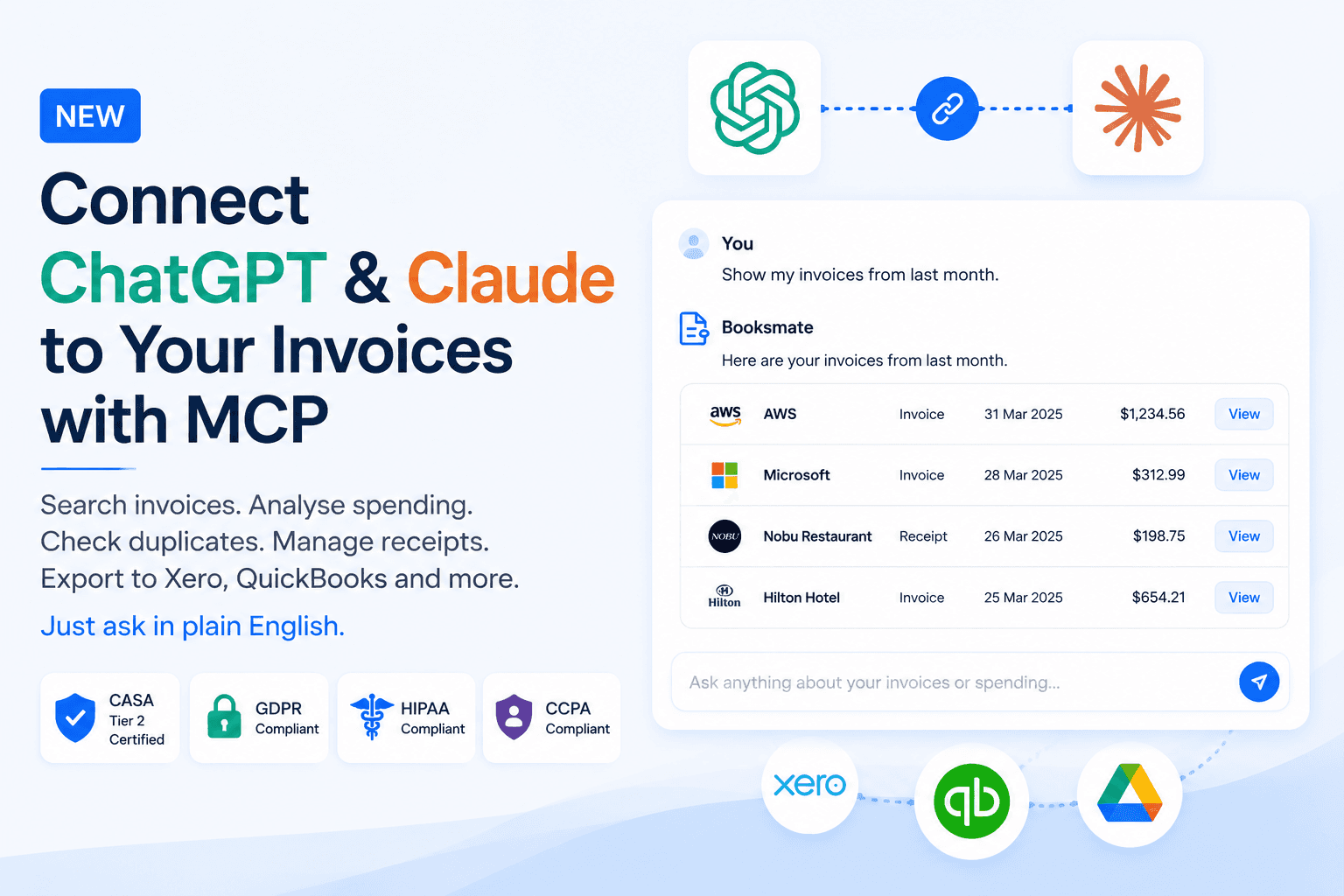
Booksmate now connects directly to ChatGPT and Claude through our new MCP server.
This means you can search invoices, analyse spending, check for duplicates, manage email imports, and export documents using normal language.
For more ways to automate invoice work with AI, explore Booksmate AI Agents.
No commands. No digging through folders.
MCP server:
https://mcp.booksmate.com
Ask questions about your invoices
Once connected, you can ask things like:
- “Show my invoices from last month.”
- “Find the AWS invoice for March.”
- “Show everything over £500 in the last 90 days.”
- “Which documents failed to scan properly?”
- “Find the receipt from the client dinner at Nobu.”
You can search by supplier, date, amount, category, or rough description.
Analyse business spending
You can also ask Booksmate questions about your expenses:
- “How much did I spend this year?”
- “How much did I spend on software this quarter?”
- “Break down my spending by category.”
- “Which suppliers did I pay the most?”
- “What were my biggest expenses?”
- “How much VAT did I pay last quarter?”
Booksmate uses the invoices and receipts already stored in your account to answer.
Prepare documents for your accountant
Booksmate can also help with exports and accountant handoffs:
- “Get all my receipts for the tax year.”
- “Package my 2025 invoices into a ZIP.”
- “Export my unexported documents to Xero.”
- “Add up all my VAT for Q2.”
This saves you from manually finding, sorting, and packaging documents.
Booksmate does not calculate your final tax liability or replace professional tax advice.
Check for duplicates and unusual spending
You can run simple bookkeeping checks:
- “Did I pay this invoice twice?”
- “Are there duplicate receipts this month?”
- “Has my electricity bill increased?”
- “Does anything look unusual in last month’s expenses?”
You can also combine actions:
“Find my three biggest travel expenses in 2025 and show their line items.”
Or:
“How much did I spend on hotels in 2025, and package those receipts?”
Manage email invoice collection
You can view and manage supported email connections:
- “Which email accounts are connected?”
- “Import my latest receipts from Gmail.”
- “Which mailboxes am I monitoring?”
- “Only monitor my ‘Invoices’ Gmail label.”
- “Disconnect my Gmail account.”
Upload invoices and receipts
You can attach a PDF or image and ask:
- “Add this receipt to Booksmate.”
- “Upload this invoice and tell me what it says.”
Booksmate will extract the document data and add it to your account.
How to connect Booksmate to ChatGPT
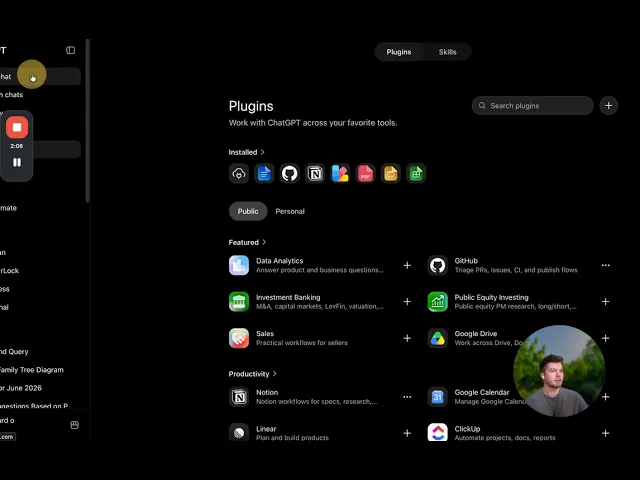
- Go to https://chatgpt.com/plugins.
- Click the + icon in the top-right corner.
- In the New Plugin window, enter:Name: Booksmate
- Connection:
https://mcp.booksmate.com - Authentication: OAuth
- Tick “I understand and want to continue.”
- Click Create.
- Click Sign in with Booksmate.
- Sign in to your Booksmate account (If you do not have one, create one here first).
- On the Authorize ChatGPT? screen, click Authorize.
ChatGPT shows a warning for custom MCP servers that OpenAI has not independently reviewed. Booksmate uses OAuth authentication and is CASA Tier 2 certified.
Start using Booksmate in ChatGPT
- Go to
[https://chatgpt.com/](https://chatgpt.com/). - Click New chat.
- Click Plugins below the message box.
- Select Booksmate, or whatever name you gave it.
- Test the connection by asking: “List my Booksmate organizations.”
Once that works, you are ready to use Booksmate in ChatGPT.
How to connect Booksmate to Claude
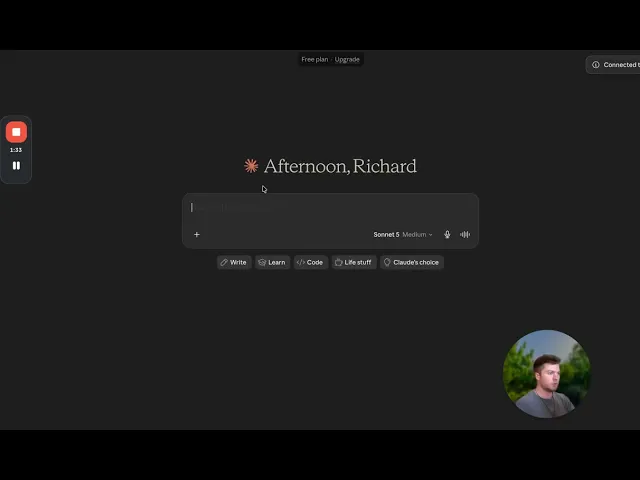
Booksmate is listed in Claude’s Community connectors directory. The quickest setup:
- Open https://claude.ai/directory/booksmate.
- Click Connect to Claude.
- Sign in with Booksmate and authorize.
- Start a chat and ask: “List my Booksmate organizations.”
Full steps for directory, web, and Desktop are in Connect Booksmate to Claude.
Built with security in mind
Financial documents contain sensitive personal and business information, so access is tightly controlled.
Booksmate is:
- CASA Tier 2 Certified
- GDPR compliant
- HIPAA compliant
- CCPA compliant
Data is protected in transit and at rest. The MCP integration only exposes defined Booksmate actions and does not give ChatGPT or Claude unrestricted access to your computer, supplier passwords, or account.
Some actions are deliberately restricted (for now):
- Website portal downloads still require the Booksmate desktop app.
- Document values cannot yet be edited through MCP.
- Destructive requests will be refused.
Connect Booksmate
Add the Booksmate MCP server to ChatGPT or Claude:
Then start with:
Your invoices were already being collected automatically.
Now you can talk to them.









