How to Get a Receipt from Amazon: Invoice, App & PDF
How to get a receipt from Amazon: Your Orders Invoice after ship, app vs desktop, packing slip vs invoice, gift receipts, and when to automate.

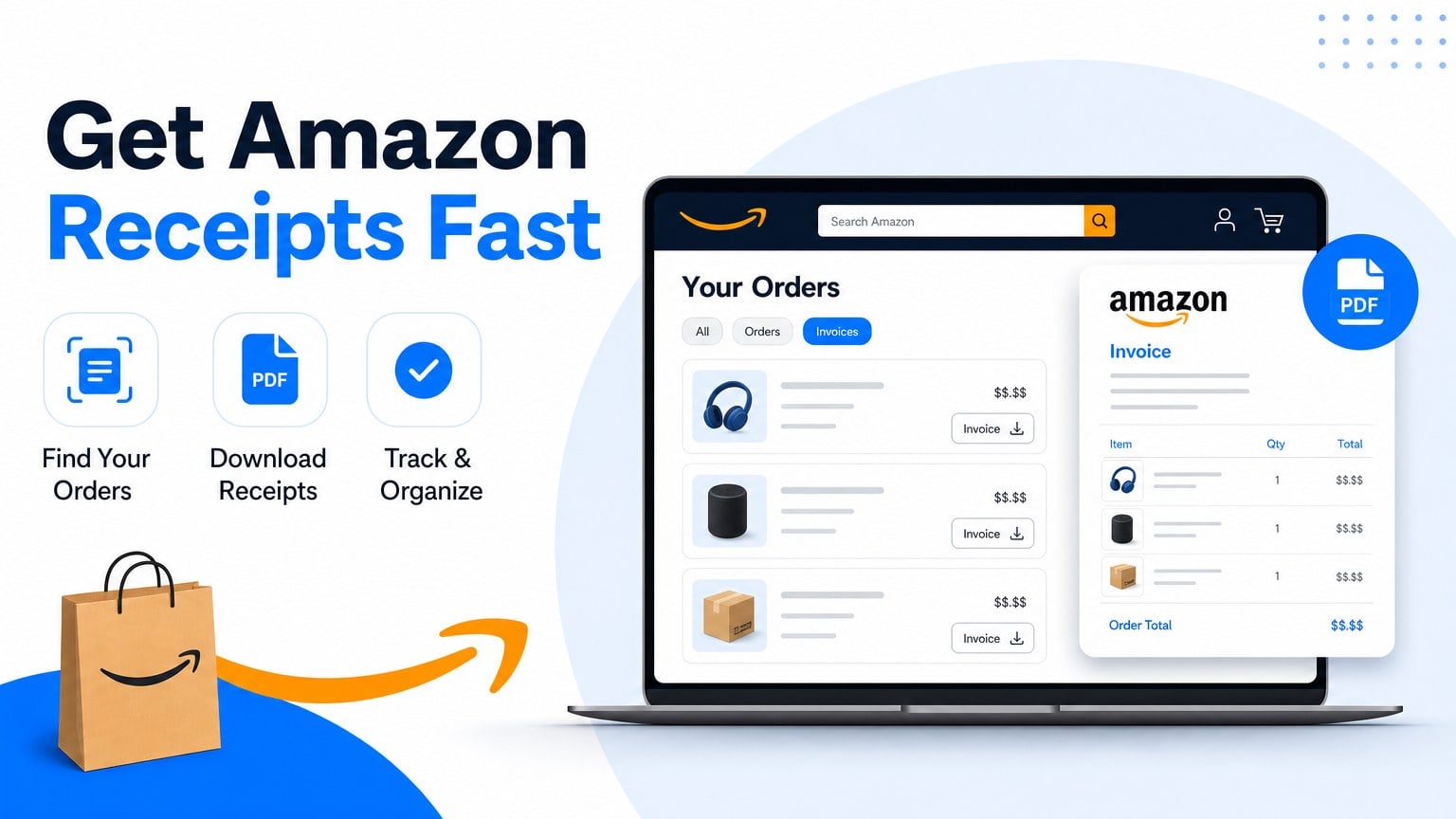
How to get a receipt from Amazon for a shipped order: open Your Orders (or Returns & Orders), find the order, click Invoice / View Invoice, then print or save as PDF. Amazon’s help page states the invoice is available once the order has shipped. A packing slip in the box is not the same document as the invoice.
What is an Amazon receipt vs invoice vs packing slip?
An Amazon receipt for bookkeeping usually means the invoice (or printable order summary) from Your Orders, not the packing slip that arrives with the parcel. Amazon labels the downloadable / printable proof as Invoice. The packing slip proves what was in the box. The confirmation email proves the order was placed. Expense reports and VAT records normally want the invoice after shipment.
| Document | Where it lives | Good for |
|---|---|---|
| Invoice / View Invoice | Your Orders after the order ships | Expense reports, VAT, seller tax detail |
| Order confirmation email | Inbox at purchase time | Quick proof; link back into the order |
| Packing slip | Inside the shipment | Checking contents, not full tax proof |
| Gift receipt | Gift options / gift receipt flow | Returns without showing price |
Amazon states invoices cannot be modified after the order ships (including adding a VAT number later). If you need a VAT invoice with your tax ID on it, add and validate the VAT number on Manage Tax Registrations in Your Account before you order.
How to get a receipt from Amazon on desktop (Your Orders)
How to get a receipt from Amazon on a computer: use Your Orders, open Invoice, then print the page.
- Sign in at amazon.com with the account that placed the order.
- Open Returns & Orders (top right) or go to Your Orders.
- Find the order (filter by date or search). The order must be shipped before Invoice appears for that shipment.
- Click Invoice or View Invoice under the order.
- Use Print this page for your records (Amazon’s wording) and your browser print dialog. Choose Save as PDF if you need a file.
Amazon Customer Service (“Print an Invoice”) lists the same flow: Your Orders, Invoice under the order number, Print this page, then the browser print button. Prefer that PDF over a phone screenshot for month-end.
How to get an Amazon receipt in the Amazon app
How to get an Amazon receipt in the Amazon app: open Your Orders, select the order, then open the invoice / order summary and share or print from the phone.
- Open the Amazon shopping app and sign in.
- Tap the profile / account menu, then Your Orders.
- Open the shipped order you need.
- Look for Invoice, View invoice, or order details with a print / share control.
- If the app only shows a messy screen, open the same order on amazon.com in a desktop browser and print from there.
App labels move between Amazon app versions. The desktop Invoice path from Amazon’s help page is the reliable archive copy when the phone UI hides print.
How to get an Amazon receipt from the confirmation email
How to get an Amazon receipt from email: open the order confirmation, follow the order number into Your Orders, then open Invoice.
- Search your inbox for the Amazon order confirmation (or the order number).
- Open the email and follow the order link (or copy the order number into Your Orders search).
- After the order has shipped, open Invoice / View Invoice on the order page.
- Print or Save as PDF.
The confirmation email alone is often enough for a quick return or personal check. For bookkeeping, keep the Invoice page PDF next to the email.
Amazon Marketplace seller invoices vs Amazon retail
Amazon Marketplace seller invoices are not always the same document as Amazon.com retail invoices. For third-party Marketplace orders, Invoice may show the seller’s invoice details. For Amazon retail fulfillment, the invoice is Amazon’s order invoice. Always open Invoice on the specific order you need rather than assuming every Amazon.com charge looks identical.
If Invoice is missing:
- Confirm the order (or that shipment) has shipped.
- Confirm you are signed into the same account that paid.
- For Marketplace purchases, check seller messages / seller invoice links when Amazon’s Invoice control is empty.
- If the order is not visible, use the confirmation email to identify the account/order and contact Amazon support for access or a replacement invoice.
How to print or save an Amazon invoice as a PDF
How to print or save an Amazon invoice as a PDF: open the Invoice page in a browser, open the system print dialog, and set the destination to Save as PDF.
- Desktop: Ctrl+P (Windows) or Cmd+P (Mac), then Save as PDF.
- Phone: Share / Print, then Save to Files when available.
- File name tip:
amazon-YYYY-MM-DD-order.pdfso month-end sorting stays sane.
Some guides note Amazon’s UI no longer offers a dedicated “Download PDF” button and relies on browser print. That matches Amazon’s help copy: use Print this page and the browser print button.
Gift receipts and business VAT on Amazon
Amazon gift receipts hide the price for returns and gifting. They are a separate flow from Invoice. Use gift receipt tools when you need a price-hidden return slip. Use Invoice when you need totals and tax lines for books.
For business VAT invoices, Amazon’s help page is explicit: VAT invoices are available when businesses provide their VAT number on Manage Tax Registrations, and the number is validated before placing the order. You cannot add a VAT number to an invoice after the order has shipped.
How to get a receipt from Amazon for every order this month
How to get a receipt from Amazon for every order this month means repeating Your Orders Invoice clicks for each shipment, or stopping when Amazon is only one portal in a larger pile.
One order is fine. A month of Amazon plus SaaS plus travel receipts is how owner-operators lose an evening. Manual portal clicks do not fix that backlog.
When you want Amazon invoices pulled without re-logging every week, start at download Amazon invoices automatically. Credentials stay on your machine. Booksmate is built for owner-operators chasing portals and email, not finance-team AP workflows.
See Booksmate pricing for plan options. Same receipt-lookup habit on retail: Walmart receipt lookup. If you are comparing inbox-first tools, read Booksmate vs Wellybox.
FAQ: how to get a receipt from Amazon
When does Amazon Invoice become available?
Amazon states you can print an invoice for your order in Your Account as soon as the order is shipped. Pending or unshipped orders will not show a final Invoice the same way.
Is the packing slip the same as an Amazon receipt?
No. The packing slip travels with the parcel and lists contents. The Invoice / View Invoice page is the printable proof Amazon documents for Your Orders. Keep the Invoice for expense and VAT files.
Can I change the VAT number on an Amazon invoice after shipping?
No. Amazon states invoices cannot be modified once the order is shipped, including adding a VAT number. Add and validate the VAT number on Manage Tax Registrations before you order.
How do I get an Amazon receipt without the mobile app?
Use amazon.com on a browser: Returns & Orders / Your Orders, then Invoice, then Print this page. The confirmation email order link also lands you on the same order page.
What if Invoice is missing for a Marketplace order?
Confirm shipment status and account. For third-party sellers, check seller communications for a seller invoice. Guest orders may need the email link or account claim before Invoice appears.
Takeaways: how to get a receipt from Amazon
- After ship: Your Orders, then Invoice / View Invoice, then Print this page, then Save as PDF.
- Packing slip ≠ invoice. Gift receipt ≠ business invoice.
- VAT ID must be on Manage Tax Registrations before the order; Amazon will not rewrite shipped invoices.
- Marketplace orders may show seller invoice details. Open Invoice on that exact order.
- Recurring Amazon buys: use automatic Amazon invoice download or a Booksmate plan instead of repeating portal lookups.
Amazon may change labels or URLs. Prefer the links on Amazon Customer Service Help if a path moves. Confirmation emails in your inbox remain the fallback archive.









