Starbucks Receipt Lookup: App, Email & Print Options
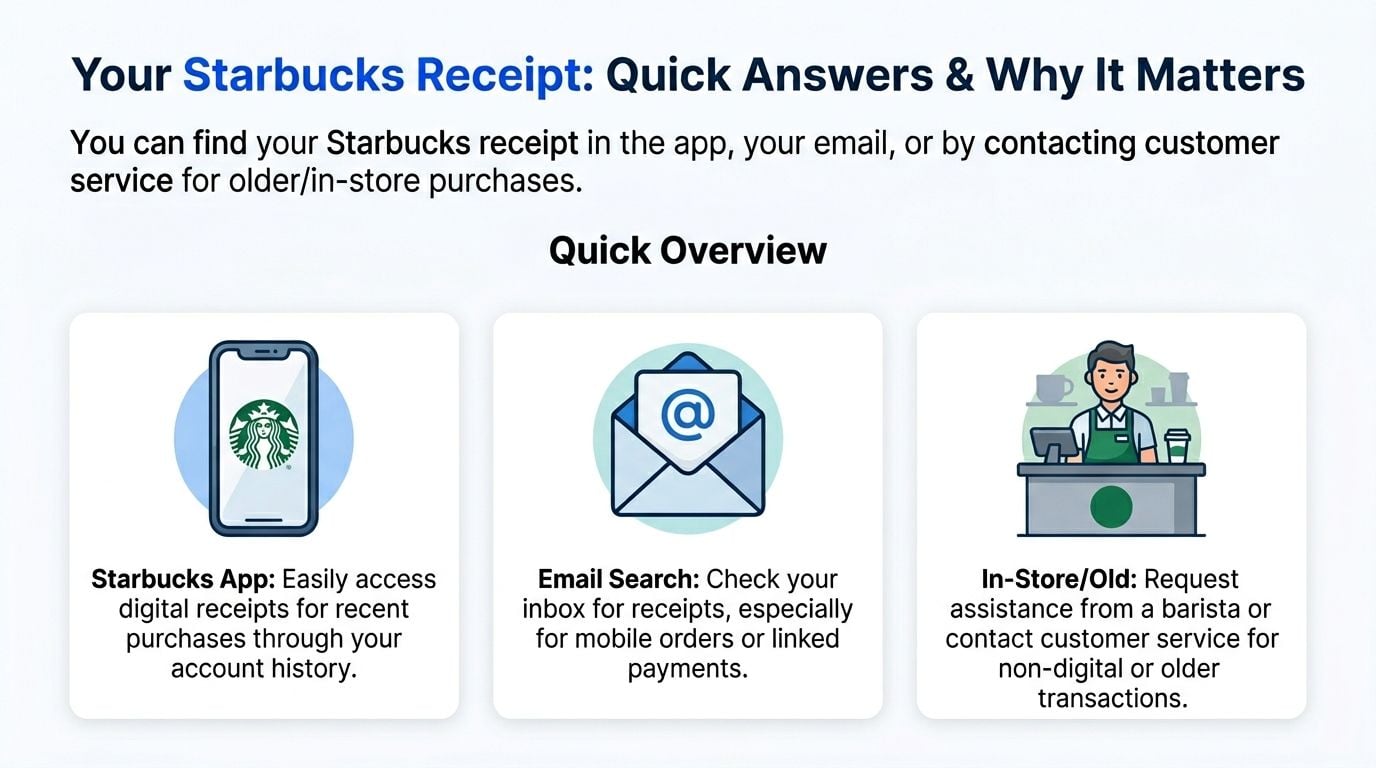
Need a Starbucks receipt? Find it in the app or your email, or ask support with your purchase details, then download or print a copy.


TL;DR: The quickest way to get a Starbucks receipt is to check the Starbucks app or your email for digital receipts, and if the purchase was older or not linked to your account, contact customer support for help.
- In store: Ask for a printed receipt at the till when you pay. This is still the easiest option for cash or unlinked card purchases.
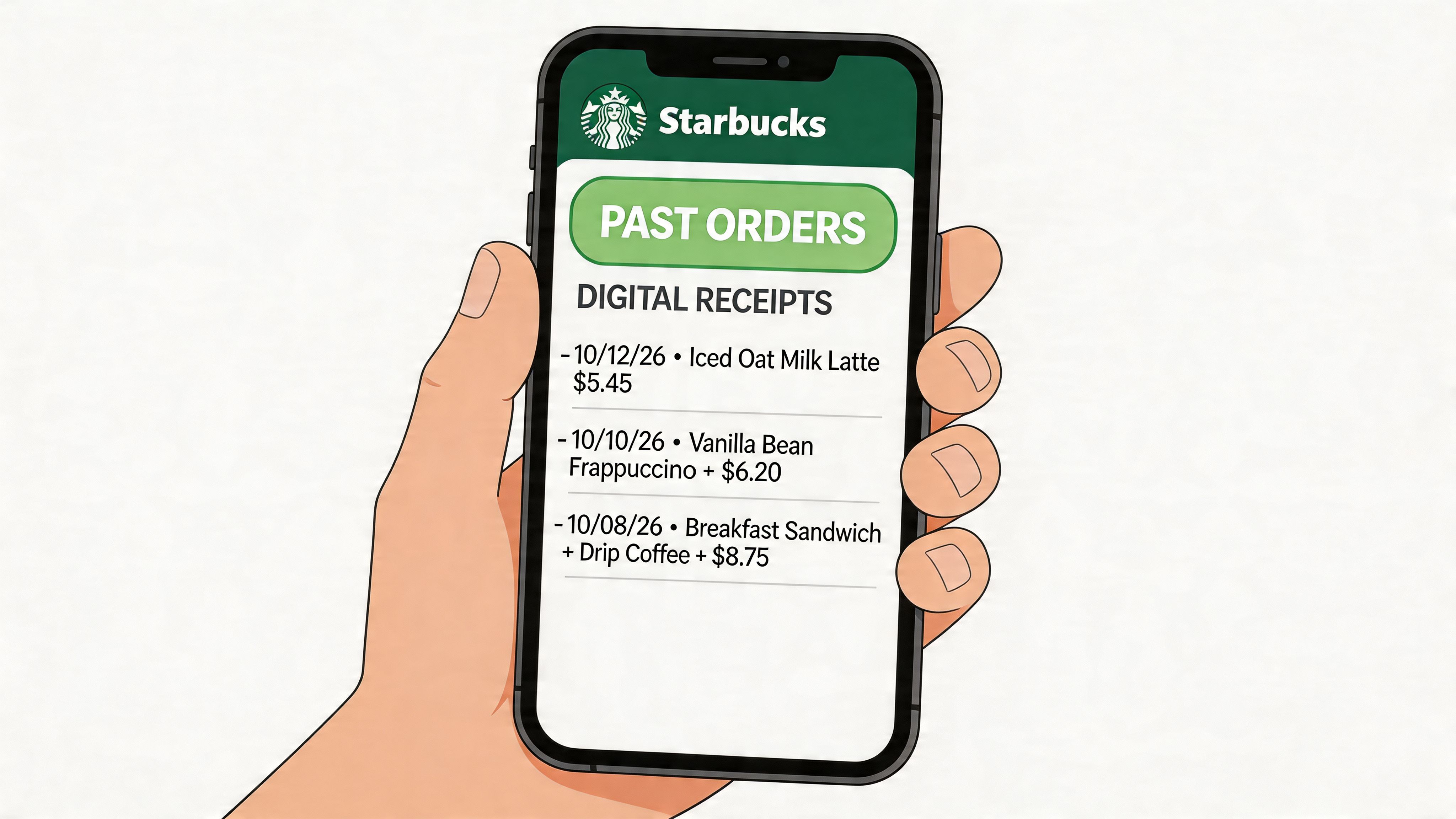
- In the Starbucks app: Open Account History or History and look under Recent Transactions for linked purchases and mobile orders.
- In your email: Search your inbox for Starbucks order confirmations or eReceipts if you paid in the app or have email receipts enabled.
- Through customer support: Use support for older receipts or purchases that no longer show in your app history.
- With a tool: If you handle recurring business expenses, automate email and portal capture so you’re not manually hunting receipts one by one.
How do you look up a Starbucks receipt?
Starbucks receipt lookup without an account
If you do not have a Starbucks account, your options are more limited. Start with the email address used for the order, then contact the store or Starbucks support with the purchase date, approximate time, store location, amount and payment method.
- A card statement can help Starbucks trace the transaction, but it usually is not a substitute for an itemised receipt.
- For cash purchases, recovery is much harder unless you kept the paper receipt or contacted the store quickly.
- If the purchase was made through a licensed location, such as a hotel, airport or campus store, the operator may handle receipt records separately.
Open the Starbucks app, go to your account or profile and open Transaction History, then select the order. The app shows the purchase details, but a downloadable itemised PDF may not be available for every transaction or market.
- For mobile orders, also search the email account linked to Starbucks Rewards.
- For a missing in-store receipt, contact the store promptly with the date, time, amount and payment method.
- Save a screenshot or print the transaction view when no PDF option appears.
Can you add a receipt to the Starbucks app?
You generally cannot add an arbitrary old receipt to the Starbucks app as a full digital transaction. If Stars or a purchase are missing, contact Starbucks Customer Service and provide the receipt details instead.
- Keep the original receipt until the missing purchase is resolved.
- A receipt from a licensed location may not behave like one from a company-operated store.
Your Starbucks Receipt Answered and Why It Matters
If you’re trying to work out how to get a starbucks receipt, the right method depends on how you paid: linked app purchases are usually easiest, while cash and unlinked in-store payments are the hardest.
Why this comes up so often
Starbucks receipts tend to matter in a few very ordinary situations:
- Business expenses: Coffee bought for a client meeting, travel day, or team catch-up often gets logged as a meal or travel-related cost.
- Tax records: If you need itemised proof for a claim, a bank line alone usually isn’t enough. Tax authorities such as the IRS, HMRC, and ATO expect proper records with supplier details and amount paid.
- Rewards disputes: If Stars, redemptions, or a linked purchase didn’t register properly, the receipt is the cleanest proof.
- Refunds and charge checks: If the amount looks wrong, you need the transaction details before support can do much.
One practical problem is that Starbucks sits in the category of recurring small spend. Those are the expenses people forget to capture until monthly bookkeeping. If you’re reviewing variable expenses, coffee purchases are a good example of a cost that looks minor individually but adds admin quickly when it’s repeated.
Practical rule: If the purchase matters for tax, reimbursement, or dispute resolution, get the receipt as close to the transaction time as possible. Retrieval gets harder once the payment wasn’t linked to an account.
Finding Receipts in the Starbucks App
The app is the best route if you paid through Starbucks or used a linked Rewards account. According to Starbucks account history guidance, Starbucks issued over 1.8 billion digital receipts globally in 2023, and for 70% of users app history is limited to 90 days. The same source says customer support resolves 92% of older lookup cases within 24 hours, and manual retrieval averages 4.2 minutes per receipt, adding up to 10.5 hours lost annually per client for bookkeepers.
If the purchase was linked to your account
Use this route for mobile orders, in-app payments, and in-store purchases tied to Rewards.
- Open the Starbucks app and sign in.
- Tap Account.
- Open History or Account History.
- Go to Recent Transactions.
- Select the purchase you need.
- Check the itemised details, then save a screenshot or export it if your device allows.
If you placed a mobile order, the order usually appears with enough detail to support an expense record. For most users, this is the cleanest option because the merchant and line items are already attached to the transaction.
If you only have a paper receipt or missing transaction
Sometimes the purchase happened in store and didn’t attach properly.
- Open the app.
- Go to the area used for receipt or transaction history.
- Look for a receipt icon, History, or a prompt related to a missing receipt.
- If your printed receipt includes a code or QR detail, enter the requested transaction information exactly as shown.
- Verify date, location, payment method, and time before you submit.
What works here is precision. If the timestamp or payment detail is off, the app may not find the purchase.
A linked app history is reliable for digital purchases. It isn’t a complete archive of every Starbucks payment you’ve ever made.
Limits that catch people out
A few things regularly cause confusion:
- Older receipts may not show: For many users, recent in-app history is the practical limit.
- Unlinked card or cash purchases won’t usually appear: If the app wasn’t part of the payment flow, don’t expect the receipt to be sitting there.
- Screenshots are useful, but not perfect: They help with internal records, but some finance teams still want the original email or app record.
- Manual lookup adds up: If you’re doing this repeatedly across clients, it’s admin work that compounds.
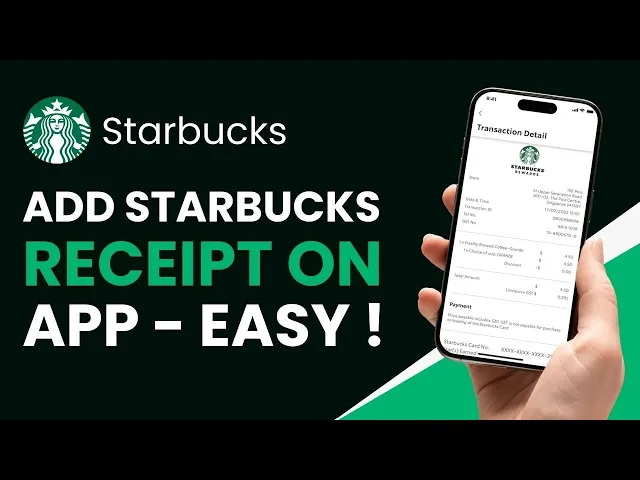
A short walk-through helps if the menu labels have shifted slightly on your device.
Searching Your Email for Starbucks Receipts
Email is usually faster than the app if you know the purchase was a mobile order or an in-app payment. It’s also easier when you need a version you can forward into your bookkeeping workflow.
What to search for first
Try these inbox searches:
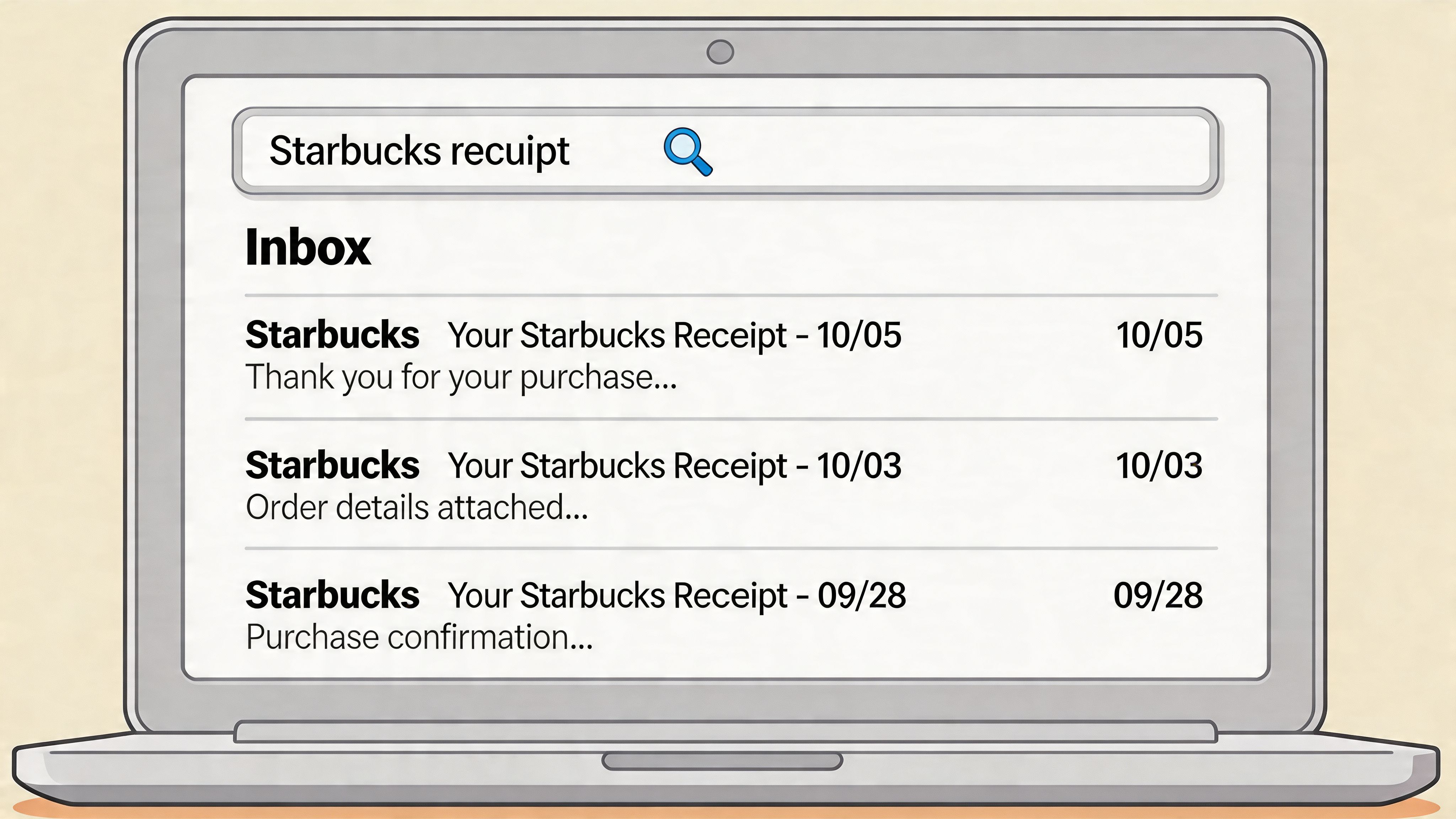
- Search sender:
starbucks - Search subject words:
receipt,order confirmation,eReceipt,Starbucks - Search by date: Narrow to the day you bought the item
- Search by amount: If your mail app supports it, pair the date with the total
Common receipt emails are typically tied to app-based ordering or payment. If email receipts are enabled on your Starbucks account, this is often the simplest retrieval method.
What usually works best
Start with your primary inbox, then check:
- Archive folders
- Promotions or Updates tabs
- Spam or junk
- Shared finance inboxes if the purchase was made on a company-managed account
If you find the receipt, save the original email as a PDF rather than just taking a screenshot. That preserves the sender, timestamp, and transaction context.
For bookkeeping, the best version of a receipt is the one you can store consistently. Email usually beats a cropped phone screenshot.
If you’re comparing tools for that workflow, this roundup of best receipt scanning apps is useful for seeing how different capture methods fit expense admin.
Honest limitation
This method doesn’t help much for walk-in cash purchases or card payments that weren’t linked to Starbucks. If no receipt was emailed at the time, there may be nothing to search for later.
How to Get a Receipt for In-Store or Old Purchases
This is the awkward case most guides gloss over. If you paid cash, used an unlinked card, or need a receipt from an older in-store purchase, recovery gets less predictable.
The biggest mistake is assuming Starbucks can easily pull every old till receipt on demand. Sometimes they can help. Sometimes they can’t, especially if the transaction wasn’t tied to a Rewards account or digital payment trail.
Best option at the counter
If you’re still in store, do this immediately:
- Ask the barista for a printed receipt before you leave.
- Check the store name, date, items, and total while you’re still there.
- If anything is wrong, ask for it to be corrected on the spot.
That sounds obvious, but it’s the step that avoids most later problems.
If the purchase already happened
For a recent in-store purchase, gather these details before you contact support or the store:
- Date of purchase
- Approximate time
- Store location
- Payment method
- Total paid
- What you ordered
The more specific you are, the better the chance of locating the transaction. A statement line that only shows a card charge is often not enough for an itemised receipt.
What to do next
Use the support route when the app and email both fail.
- Contact Starbucks customer support through the official help channels on the Starbucks website or app.
- Explain whether it was a cash payment, card payment, or linked Rewards purchase.
- Provide the transaction details listed above.
- Ask specifically for an itemised receipt or the best available record of purchase.
One gap in existing Starbucks guidance is the lack of good support for non-Rewards members or cash and in-person payments without digital linkage. A review of that gap in Starbucks receipt retrieval notes this can affect 30-40% of transactions, which is why accountants often end up contacting stores manually or trying to rebuild records from statements.
If the purchase was cash and unlinked, treat support as a last resort, not a guaranteed fix.
About phone numbers, sender addresses, and subject lines
Starbucks changes operational details by market, and I won’t invent a support phone number, sender address, or exact subject line pattern where verified information hasn’t been provided. The safe route is to use the official contact and help details shown inside your local Starbucks app or on the official Starbucks website for your country.
How to download or print a Starbucks receipt
For a linked app or mobile order, open the transaction in the Starbucks app or email receipt, then use your phone or browser print option to save it as a PDF. If the app only shows transaction details, take a clear screenshot and keep the original email if one exists.
- Need a PDF? Open the receipt or confirmation email and choose Print, then Save as PDF.
- Need a paper copy? Print the PDF or ask for the receipt at the till before leaving the store.
- Missing receipt? Contact support with the exact transaction details instead of sending only a bank screenshot.
Stop Chasing Receipts and Automate Your Expenses
The issue usually isn’t one Starbucks receipt. It’s the pile of small purchases spread across staff, clients, and months.
Starbucks is a frequent merchant in bookkeeping work. According to Wellybox’s Starbucks receipt guide, Starbucks ranks among the top 10 retail receipt sources for small businesses, making up 8-12% of meal deductions audited by the IRS in 2023. The same source says 75% of Starbucks U.S. transactions were digital and Starbucks had over 34 million active Rewards members.
Where manual workflows break
A typical manual process looks like this:
- Employee pays: Card, app, or cash
- Receipt gets lost: Often before the expense claim is filed
- Bookkeeper chases: App screenshot, email search, support request, or statement reconstruction
- Monthly bookkeeping slips: One missing proof turns into follow-up work
That isn’t hard once. It is hard when it repeats across coffee, taxis, hotels, flights, software, and coworking charges.
What a better process looks like
For business users, the workable approach is to capture receipts from the channels where they already arrive:
Expense type
Where the receipt usually lands
Starbucks and food
App history, email, paper receipt
Flights and trains
Booking confirmation email
Hotels
Confirmation email or portal
SaaS tools
Billing email or account portal
Coworking
Member portal or monthly email invoice
Rides
App receipt email
If you’re trying to cut admin, standardise one collection path. Email forwarding and automatic inbox capture usually beat asking staff to upload files one by one.
That same principle is why finance teams look at AI bookkeeping automation tools for freelancers, small businesses, and bookkeepers. The useful ones don’t just scan photos. They collect documents from inboxes and portals, organise them, and prepare them for export to QuickBooks or Xero. If you need practical process help first, related guides on organising receipts, scanning receipts, and accountant or bookkeeper workflows are worth building into your monthly bookkeeping routine.
FAQ Your Starbucks Receipt Questions Answered
Can I get a receipt for a cash payment from last week?
Sometimes, but it’s the hardest scenario. If you asked for a paper receipt at the till, use that. If you didn’t, contact the store or customer support with the date, time, location, and what you bought, but don’t assume they’ll be able to recreate a full itemised receipt.
What should I do if the amount on my receipt is wrong?
Check whether the difference is a tip, tax, duplicate charge, or a refund issue first. If the receipt itself looks wrong, raise it with the store or support and keep both the receipt and your payment record together until it’s resolved.
How far back can Starbucks retrieve a receipt?
Recent linked transactions are easier. Older receipts may require customer support, especially once the transaction falls outside the normal app history view. If the purchase wasn’t digitally linked, retrieval becomes much less certain.
Do gift card or Rewards purchases appear in app history?
Linked Rewards activity and app-based transactions are the most likely to appear. If the purchase or redemption was tied to your Starbucks account, check the transaction history first. If it wasn’t linked, it may not show there at all.
Is a bank or card statement enough for an expense claim?
Usually not on its own if you need supplier-specific itemisation. That’s one reason missing Starbucks receipts are such a nuisance for finance teams. As noted in the earlier discussion of non-linked purchases, this is a common weak point for the 30-40% of transactions made outside Rewards-linked flows.
What if I handle lots of these for clients?
Don’t solve it receipt by receipt. Build a collection process that covers app receipts, email receipts, and exceptions. The small transactions are the ones that waste the most time because nobody treats them as a system problem until monthly bookkeeping.
If Starbucks receipts are one of many documents you chase every month, Booksmate is built for that admin burden. It helps freelancers, small businesses, accountants, and bookkeepers collect receipts and invoices from inboxes and online portals, organise them in one dashboard, extract the key data with AI, and push records into accounting workflows. If you’re starting small, the free plan is the easiest way to test whether automated capture beats manual receipt hunting.









