Delta Receipt Lookup: Flights, Bags, PDF & Email
Look up a Delta receipt for flights or bags: My Trips, My Receipts, ticket numbers starting with 006, baggage docs with 00682, and when to automate.

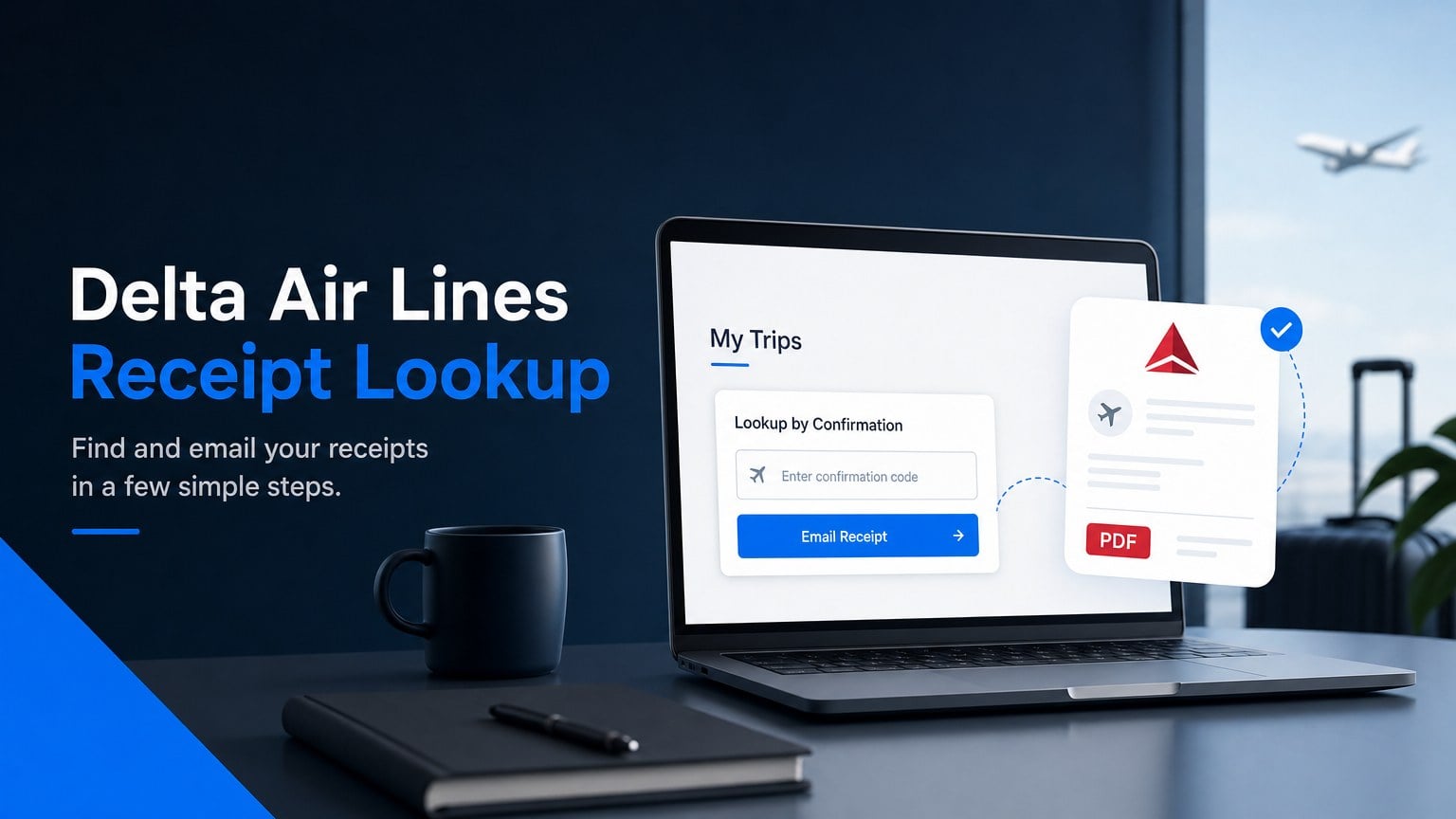
Delta receipt lookup for a recent flight means opening My Trips on delta.com, searching with first name, last name, and confirmation number, then using Email Receipt under Payment Details. Older tickets and baggage receipts (up to about 24 months) use My Receipts when you have a delta.com account, or an email to ticketreceipt@delta.com with the 13-digit document number.
What is Delta receipt lookup?
Delta receipt lookup is how you recover an itemized Delta Air Lines receipt for a ticket, baggage fee, or other delta.com purchase after the trip. Delta’s own help page (Other helpful information) describes three official paths: My Trips email within 24 hours of the last flight, My Receipts for logged-in history, and ticketreceipt@delta.com when you lack a login.
| What you need | Where to look | What you enter |
|---|---|---|
| Flight just completed (within ~24 hours) | My Trips, then Payment Details, then Email Receipt | First name, last name, confirmation # |
| Ticket or bag in the last ~24 months (logged in) | My Receipts on delta.com | delta.com / SkyMiles account |
| Older receipt, no login | Email ticketreceipt@delta.com | Passenger name + 13-digit ticket/doc number (or travel date + origin + card type) |
| Booking via Expedia or an agency | Agency invoice from the seller | Agency confirmation (Delta cannot issue the agency’s invoice) |
Delta ticket document numbers begin with 006. Delta states baggage receipts begin with 00682. That split is the detail most lookup guides skip.
How to look up a Delta receipt in My Trips (within 24 hours)
How to look up a Delta receipt in My Trips right after travel: search the trip, open Payment Details, then email yourself the receipt.
- Go to delta.com and open My Trips (top of page).
- Enter First Name, Last Name, and Confirmation #, then search.
- Scroll to Payment Details.
- Click Email Receipt, enter your email, and submit.
That Delta receipt path matches Delta’s published steps for trips whose last flight was within the last 24 hours. Prefer the PDF or email body for expense reports over a phone screenshot.
How to find Delta receipts with My Receipts (logged in)
How to find Delta receipts with My Receipts: sign in to a delta.com account and open the My Receipts feature for historical ticket, baggage, and other delta.com purchases from about the past 24 months.
- Sign in at delta.com (SkyMiles login works for the same account family).
- Open My Receipts (linked from Delta’s receipt help; also reachable from trip / account menus when Delta surfaces it).
- Find the trip or purchase, then view or email the receipt.
- Save a PDF from the browser (Print then Save as PDF) or keep the emailed copy.
If My Receipts does not list the charge, confirm you used the same account that booked the trip, then fall back to ticketreceipt@delta.com with the document number.
Delta baggage receipts need a different document number (00682)
Delta baggage receipts are separate from the flight ticket receipt. Checked bags and many fee add-ons are their own documents. Delta’s help text states baggage receipts begin with 00682, while flight ticket numbers begin with 006.
How to get a Delta baggage fee receipt:
- Find the bag payment confirmation (airport slip, prepay confirmation, or email). Copy the document number if it starts with 00682.
- Use My Receipts while logged in, or email ticketreceipt@delta.com with passenger name and that baggage document number.
- Keep the bag PDF next to the flight PDF. Expense tools often need both.
Entering only the 13-digit flight ticket number often fails for bag fees. That is the same trap as other major US carriers: the airfare document is not the bag document.
Email ticketreceipt@delta.com when you have no login
Email ticketreceipt@delta.com for Delta receipt lookup when the last flight was more than 24 hours ago and you do not have a delta.com login. Delta asks that the request come from the ticketed passenger or the credit card holder.
Include:
- Passenger name
- Ticket number (13-digit document beginning with 006; baggage docs beginning with 00682)
- Card type used (Visa / Mastercard / Amex / Discover). Do not send the full card number.
If you do not know the document number, Delta accepts passenger name, date of travel, origin airport, and card type (or cash). Keep the reply email and any PDF attachment in your books folder.
Delta receipts for Expedia or travel agency bookings
Delta receipts for Expedia or travel agency bookings usually mean two documents, not one.
- Agency invoice: what you paid the agency (including agency fees). Get this from Expedia, Booking, Concur, or your travel management company. Delta’s help page says to contact the agency or online site for a copy of that ticket.
- Delta ticket receipt: still useful for fare and tax detail when you have the 006… ticket number and can run My Trips, My Receipts, or ticketreceipt@delta.com.
Refunds for agency bookings generally go through the agency. Do not expect delta.com refund tools to replace the seller’s invoice.
How to print or save a Delta receipt as a PDF
How to print or save a Delta receipt as a PDF: open the receipt or emailed receipt in a browser, use the system print dialog, and set the destination to Save as PDF.
- Desktop: Ctrl+P (Windows) or Cmd+P (Mac), then Save as PDF.
- Phone: Share / Print, then Save to Files when available.
- File name tip:
delta-YYYY-MM-DD-ticket-or-bag.pdfso month-end sorting stays sane.
The Fly Delta app can show past trips for logged-in SkyMiles members. For a clean archive file, desktop Save as PDF is usually cleaner than a phone screenshot.
Delta receipt lookup for every trip this month
Delta receipt lookup for every trip this month means repeating My Trips, My Receipts, or ticketreceipt@delta.com for each charge, or stopping when Delta is only one portal in a larger pile.
One flight is fine. Flights plus bags plus hotels plus SaaS invoices every month is how owner-operators lose an evening. Manual portal clicks do not fix that backlog.
See Booksmate pricing when you want portals and email collected without re-logging into each site. Credentials stay on your machine. Booksmate is built for owner-operators, not finance teams.
If you are comparing inbox-first tools, read Booksmate vs Wellybox. Same airline chore on American: American Airlines receipt lookup. Same receipt-lookup habit for coffee runs: how to get a Starbucks receipt.
FAQ: Delta receipt lookup
Can I do Delta receipt lookup without a SkyMiles account?
Yes for recent trips: My Trips accepts first name, last name, and confirmation number without a loyalty login. For older history, create a free delta.com login for My Receipts, or email ticketreceipt@delta.com with the document number.
How long are Delta receipts available?
Delta states historical ticket, baggage, and other delta.com purchase receipts from about the past 24 months are available via My Receipts when you have an account. Within 24 hours of the last flight, use My Trips, then Email Receipt. Older than that, email ticketreceipt@delta.com or keep confirmation emails and card statements as fallbacks.
Is a Delta receipt enough for an expense report?
For airfare bought on Delta, the itemized ticket receipt with fare and tax breakdown is what most teams accept. Keep a separate bag PDF when bags were charged. For agency bookings, keep the agency invoice too. This is not tax advice; ask your bookkeeper what they file.
Why does my Delta receipt total differ from my card charge?
Bags, seats, Wi-Fi, Sky Club, and cabin purchases are often separate transactions. They will not all appear on the flight ticket receipt. Match each Delta line on the card statement to its own document when you expense the trip.
Where do I get a Delta refund receipt?
For tickets bought directly from Delta, use Delta’s refund / trip tools while logged into the booking. Agency bookings: contact the agency. Keep both the refund confirmation and the original ticket receipt.
Takeaways: Delta receipt lookup
- Recent flights: My Trips with name + confirmation, then Email Receipt under Payment Details.
- Logged-in history (~24 months): My Receipts on delta.com.
- Bags: separate document numbers starting with 00682; tickets start with 006.
- No login / older trips: email ticketreceipt@delta.com with name and document number (never the full card number).
- Agency bookings: agency invoice + Delta ticket receipt when you have the ticket number.
- Recurring trips: pick a Booksmate plan instead of repeating portal lookups.
Delta may change labels or URLs. Prefer the links on delta.com Help if a path moves. Confirmation emails in your inbox remain the fallback archive.









