Home Depot Receipt Lookup: Purchase History, Store Desk & PDF
Look up a Home Depot receipt online, in the app, or at the store desk. Find purchase history, eReceipts, invoice numbers, and when to automate.

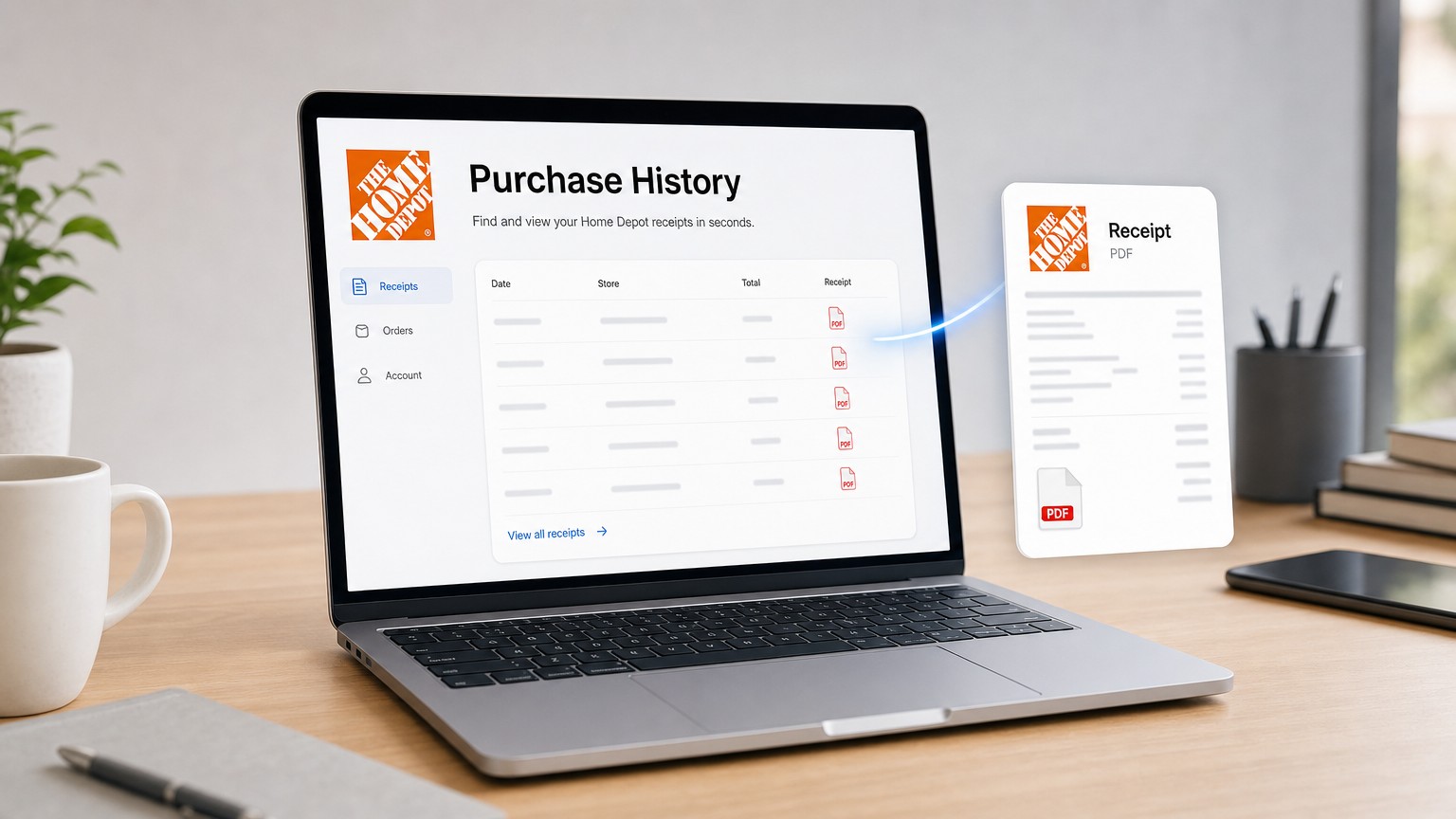
Home Depot receipt lookup means pulling an itemized receipt from Home Depot purchase history online or in the app, asking a store desk to reprint an in-store charge, or finding an eReceipt in email. Sign in at homedepot.com, open Purchase History (or Pro Xtra history), open the order, then view or save the receipt as a PDF.
What is Home Depot receipt lookup?
Home Depot receipt lookup is how you recover a Home Depot receipt after you lose the paper copy or need a PDF for returns, reimbursements, or bookkeeping. Home Depot keeps purchase records when the order is tied to a My Account or Pro Xtra login, when you chose an eReceipt, or when you paid with a card the store can search.
Common Home Depot receipt lookup paths:
| Situation | Where to look | What you usually need |
|---|---|---|
| Online order or logged-in checkout | Purchase History on homedepot.com or the Home Depot app | Home Depot account login |
| Pro Xtra / contractor history | Pro Xtra purchase history (same account family) | Pro Xtra / account login |
| In-store, no account | Store customer service desk reprint | Card used, photo ID, date/time, last 4 digits |
| eReceipt or order email | Inbox search for “Home Depot” | Email used at checkout |
Home Depot also publishes a receipt-help page at homedepot.com/c/receipt-lookup. UI labels can move; if the menu wording differs, search account menus for Purchase History or Pro Xtra.
How to look up a Home Depot receipt online
How to look up a Home Depot receipt online: sign in at homedepot.com, open Purchase History, filter to the right date range, open the order, then view or print the receipt.
- Go to homedepot.com and sign in with the email you used at checkout.
- Open Purchase History from your account menu (on mobile, open the account menu, then Purchase History). Pro Xtra users may see a Pro Xtra history entry that covers the same idea with a longer archive.
- Set the time frame filter (for example last 30 days, 6 months, 12 months, or a custom range) so the order can appear.
- Open the order, then choose View receipt (or the equivalent receipt / details control).
- Save or print the PDF from your browser, or share/download it from your phone.
If the Home Depot order does not appear, confirm you are on the correct account, widen the date filter, and check whether the purchase was guest checkout without an account link.
How to find a Home Depot receipt in the Home Depot app
How to find a Home Depot receipt in the Home Depot app: sign in, open Purchase History, select the order, then download or email the receipt if the app offers those actions.
- Open the Home Depot app and sign in.
- Tap Purchase History (under your account / profile area).
- Browse or filter until you find the order.
- Open the order and use download, email, or share to keep a copy.
App menus vary by version. If Purchase History is missing, use the desktop Purchase History path above. For a clean archive file, desktop Save as PDF is often more reliable than a phone screenshot.
How to get a Home Depot receipt without an account
How to get a Home Depot receipt without an account: for many in-store card purchases, any Home Depot store desk can reprint a duplicate when you bring the payment card, photo ID, and enough purchase details. Cash and unlinked guest checkouts are harder.
Practical store-desk steps:
- Visit a Home Depot customer service desk (ideally the store where you bought the items).
- Bring the card you paid with and a photo ID.
- Give the date, approximate time, store if known, items or amount, and the last 4 digits of the card.
- Ask for a duplicate receipt reprint or email if they offer it.
Third-party guides commonly cite a short reprint window for ordinary card purchases (often discussed as about 30 days), with longer windows sometimes mentioned for Home Depot consumer credit / project loan cards and Pro Xtra-linked history. Treat those windows as store-policy guidance and confirm at the desk. Do not invent a phone number or exact policy Home Depot has not shown you on its own help pages.
No-account Home Depot receipt lookup does not mean inventing a public guest portal that bypasses card verification. If the store cannot find the charge, use your bank statement only as a clue, then rebuild the itemized record from email or a later Pro Xtra setup for future buys.
Where is the invoice number on a Home Depot receipt?
The invoice number on a Home Depot receipt is the order / transaction identifier printed on the receipt header or near the store and register details, not the credit-card authorization code alone. On paper receipts it often sits near the top with store number, register, and transaction data. On digital Purchase History receipts it appears in the order details or receipt PDF header.
Why people ask this during Home Depot receipt lookup:
- Returns and price adjustments ask for the receipt or order number.
- Bookkeepers label files with vendor + invoice/order number.
- Some portals and expense tools ask for an “invoice number” even when Home Depot labeled the field “order” or “transaction.”
If you only have a card statement line, you still do not have the Home Depot invoice/order number. Pull the receipt from Purchase History or the store desk first, then copy the number from the Home Depot document itself.
How long does Home Depot keep receipts in purchase history?
How long Home Depot keeps receipts in purchase history depends on account type and how the purchase was linked. Pro Xtra-focused guides commonly describe about two years of receipt history for Pro Xtra members, while standard My Account history is often described as a shorter window (commonly discussed as about 90 days for non–Pro Xtra online history). Always verify what your own account shows after you sign in.
Practical retention habits for Carol-style owner-operators:
- Download the PDF the day you need it. Do not wait until tax season.
- Prefer eReceipts at checkout so email keeps a second copy.
- Name files like
home-depot-2026-09-26-order-123.pdf. - Keep business materials and tools receipts with the job or client folder, not only inside the Home Depot app.
This guide is not tax advice. If you deduct Home Depot purchases, ask your accountant how long to keep the PDF.
Home Depot eReceipts and email backups
Home Depot eReceipts are email copies of the receipt sent when you choose email at the register or complete an online order. Search your inbox for “Home Depot,” the order number, or the purchase date, then save the email or PDF attachment.
Email is often the fastest Home Depot receipt lookup when:
- You used eReceipts for an in-store buy.
- The online order confirmation is still in the same inbox.
- Purchase History shows the order but you want a forwardable copy for your bookkeeper.
Check Promotions / Updates tabs, archive, and spam. Shared AP inboxes are worth searching if a team member checked out under a company email.
Pro Xtra and making the next Home Depot receipt easier
Pro Xtra is Home Depot’s free loyalty program many contractors and small businesses use to keep purchase history in one place. Linking Pro Xtra (or a standard Home Depot account) and choosing eReceipts reduces future Home Depot receipt lookup work because more orders land in history and email automatically.
Setup habits that help next month:
- Use the same Home Depot account at checkout when you can.
- Choose email receipt (or both paper and email) at the register.
- Link the cards you actually pay with, if Home Depot offers card-linking on your account.
- Download job-critical receipts into your books folder the same week.
One Home Depot receipt is a five-minute chore. Weekly supply runs across Home Depot, Amazon, ads accounts, and SaaS portals is how owner-operators lose an evening.
Stop chasing Home Depot receipts one by one
When Home Depot is only one of many portals you open every month, manual Purchase History clicks do not fix the backlog. See Booksmate pricing if you want portal and email collection without re-logging into every site. Credentials stay on your machine. Booksmate is built for owner-operators, not big-finance teams.
If you are comparing inbox-first tools, read Booksmate vs Wellybox. For the same retail receipt chore on another big-box merchant, see how to print a Walmart receipt. For marketplace purchases, mirror the buyer steps in how to download Amazon invoices.
Takeaways: Home Depot receipt lookup
- Home Depot receipt lookup starts with Purchase History online or in the app when the buy is tied to your account.
- Without an account, use the store desk reprint path with card, ID, and purchase details.
- The invoice/order number lives on the Home Depot receipt header or order details, not on a bare bank line.
- Pro Xtra and eReceipts make the next lookup easier than hunting paper.
- When the same chore repeats across vendors, switch from manual downloads to automatic collection.
Ready to stop hunting receipts across Home Depot and the rest of your stack? Pick a Booksmate plan, compare Booksmate vs Wellybox, or reuse the same habit on Walmart receipt printing and how to download Amazon invoices.









