Square Receipt Lookup: Find Any SQ * Receipt Fast
Square receipt lookup for buyers: verify your email or phone at Square's receipt page, match SQ * card charges, ask the seller to resend, and save the PDF.

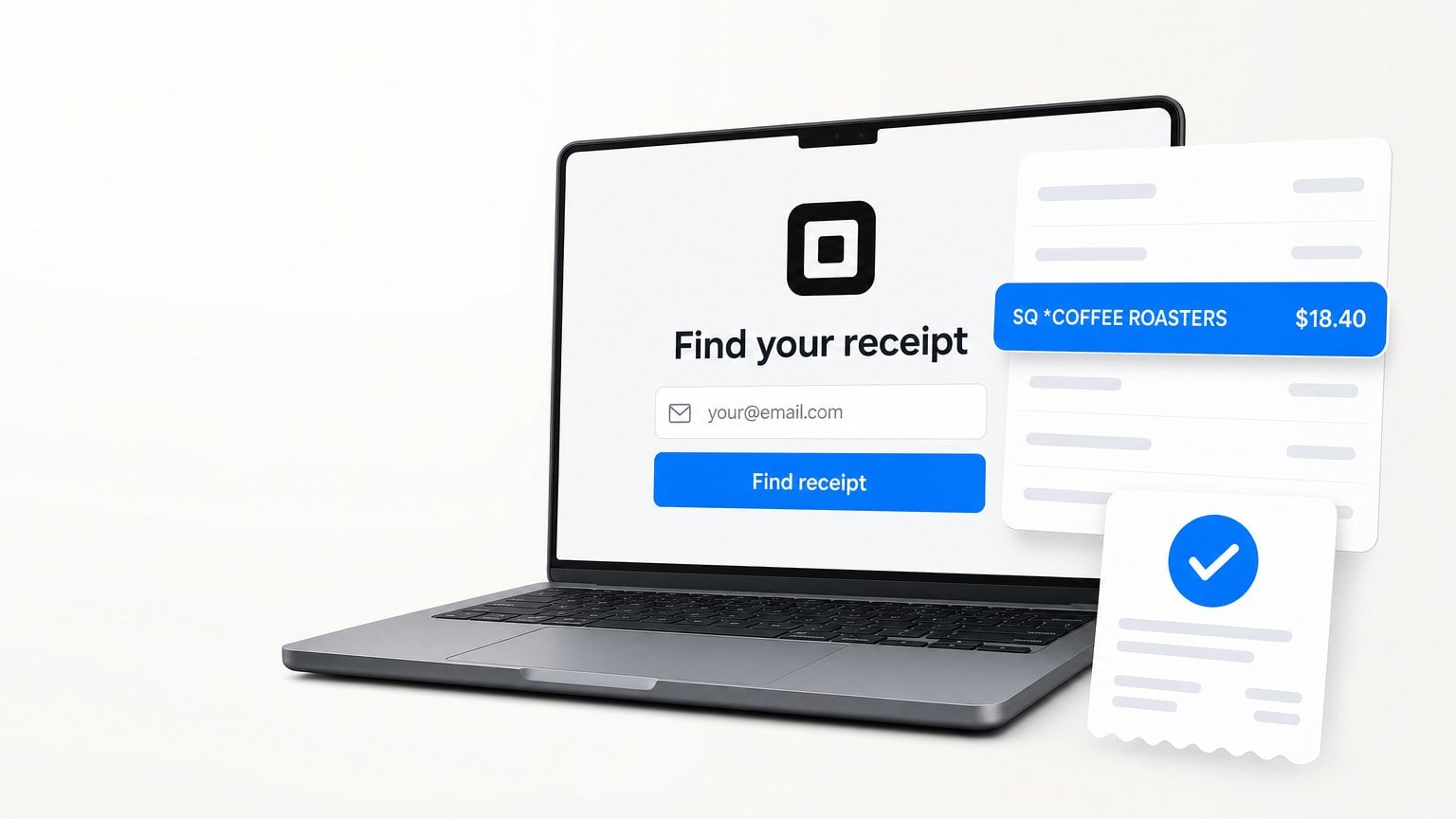
Square receipt lookup means opening Square's receipt lookup page, entering the email address or phone number you gave the seller at checkout, typing the verification code Square sends you, and then opening the receipt you need. If the receipt is not there, the Square seller can find the payment in their own Transactions list and resend it.
What is Square receipt lookup?
Square receipt lookup is the buyer side of Square. Square is the payment system many small shops, cafes, food trucks, and service businesses use to take cards. You are not a Square customer in the account sense. You are a buyer who paid a business that uses Square.
Square receipts reach buyers in three ways:
| Where the Square receipt lives | How it got there | How to get it back |
|---|---|---|
| Your email inbox | You gave an email at checkout, or your card is already linked to that email | Search your inbox for the seller name or "Square" |
| Square receipt lookup page | Square links receipts to the email or phone you gave | Verify that email or phone at squareup.com/receipts |
| The seller's Square account | Every Square payment is stored in the seller's Transactions | Ask the seller to resend the receipt |
Owner-operators mostly meet Square receipts during monthly bookkeeping, when a card statement shows a line like "SQ *COFFEE ROASTERS" and the accountant asks for proof.
How to do a Square receipt lookup online
How to do a Square receipt lookup online: verify the contact details you gave at checkout, then open the matching receipt.
- Go to the Square receipt lookup page at squareup.com/receipts. It opens Square Profile with a "Verify your identity" screen.
- Enter the email address you gave at checkout. Choose Use phone number instead if you asked for a text receipt.
- Click Send code, then type the verification code Square sends to that email or phone.
- Look for the receipt that matches the seller, date, and amount on the "SQ *" line of your card statement.
- Open the receipt and save it. In a browser, use Print, then Save as PDF.
Square's page says it sends a verification code "to confirm it's you before showing your receipts." The Square Profile help article describes the same sign-in: go to profile.squareup.com, enter your phone number or email, then enter the code.
Why your Square receipts go to one email automatically
Square automatic receipts work per card, not per shop. Square's automatic receipts help article explains the rule:
- The first time you use a card with any Square seller, checkout asks for an email or phone number for digital receipts.
- That email address is attached to your payment card.
- Later purchases with the same card at Square sellers send an email receipt to that address automatically, without asking again.
- A phone number works differently. You still choose a text receipt after each payment.
This is the most useful Square receipt fact for monthly bookkeeping. Give your bookkeeping email once, on the card you use for business. After that, Square receipts for that card keep landing in one inbox, even at shops you visit for the first time.
The same article warns that the link can go wrong. A friend may borrow your card and type their email, or a seller may mistype yours. In that case your receipts go somewhere else, and Square receipt lookup with your own email shows nothing.
What "SQ *" means on your card statement
"SQ *" on a bank or card statement means the payment went through Square. The text after it is the seller's business name. A Square team member explains in the Square Community that Square sends "SQ * [Location Business Name]" to banks. A bakery named Sweet Dozen may show as "SQ* SWEET DOZEN BAKERY."
Three things make SQ * lines hard to match:
- Bank truncation: each bank decides how much of the name to show, so long names get cut.
- Legal names: the seller's location name may be the owner or company name, not the sign over the door.
- Apple Pay and Google Pay: Square staff note these payments may show location details instead of the business name.
Match on the amount and the date first. The Square receipt total and the statement amount should be the same. If they differ a little, check for a tip.
Ask the seller to resend a Square receipt
Asking the seller is the most reliable Square receipt lookup when your own lookup finds nothing. Square's transaction search help article shows that sellers can search payments by customer name, phone, email, the last 4 digits of the card, or the Receipt ID printed at the bottom of a receipt. A seller can then open the payment and issue a new receipt.
Send the seller a short message with:
- The date and rough time of the purchase.
- The exact amount from your statement.
- The card brand and last 4 digits.
- The email address where you want the receipt.
Square notes that a card number search covers payments from the last year of the search date. Ask early. A receipt from last month is an easy request. A receipt from two years ago may not be.
When Square receipt lookup finds nothing
Square receipt lookup finds nothing for a few common reasons. Work through them in order:
- Wrong contact: try the other email or the phone number you may have given at checkout.
- Receipt linked to someone else: a friend's or a seller's typo can link another email to your card. If a receipt shows card digits that are not yours, use Not Your Receipt? at the bottom of it to unlink that email, as Square's automatic receipts article explains.
- Automatic receipts turned off: check Manage Preferences at the bottom of any old Square receipt. Square lets you turn automatic receipts off for all sellers or for one business.
- Still no match: contact the seller with the date, amount, and last 4 digits.
If you still do not recognize the charge, contact your card issuer. The FTC page on disputing credit card charges lists asking for "an explanation or clarification, or a written receipt" as a billing issue you can raise. It also says your letter should reach the issuer within 60 days after the first bill with the error.
Is a Square receipt enough for your books?
A Square receipt is usually what your bookkeeper wants. It shows the seller name, date, total, and the last 4 digits of the card, and often the items and tax. That is more than a card statement line, which only shows "SQ *" plus a short name and the total.
Keep these together for each Square purchase:
- The emailed receipt or saved PDF.
- The matching card statement line.
- A short note on what it was for (client meeting, supplies, travel).
Square sellers can also send invoices instead of receipts for bigger jobs. Payment processors handle documents differently, so if you also pay suppliers through PayPal, see how to find PayPal invoices and receipts for that side. This is not tax advice. Ask your accountant what they accept.
Square receipt lookup for every purchase this month
Square receipt lookup for one coffee is quick. Square receipts for 20 different sellers, next to every other supplier invoice and receipt from the month, is where an evening disappears. Coffee shops are a classic case. The same hunt for a lost Starbucks receipt shows how fast small receipts pile up.
The fix starts with the automatic receipts rule above. Send every Square receipt to one email. Then let a tool collect them.
Booksmate pulls invoices and receipts from your email and from supplier portals into one place, ready for your accountant during monthly bookkeeping. Square receipts that land in your inbox get collected with everything else. Your logins stay on your own computer.
FAQ: Square receipt lookup
How do I look up a Square receipt without the paper copy?
Use the Square receipt lookup page at squareup.com/receipts. Enter the email address or phone number you gave at checkout, then type the verification code Square sends you. If the receipt is not listed, ask the seller to resend it from their Square Transactions.
Do I need a Square account to find my receipt?
No. Buyers do not need a Square seller account. Square receipt lookup uses Square Profile, which only asks you to verify an email address or phone number with a code.
Why do I get Square receipts I never asked for?
Square attaches the email you gave at your first Square checkout to that card. Later purchases with the same card at any Square seller send an email receipt automatically. You can turn this off with Manage Preferences at the bottom of any Square receipt.
How do I find out what an SQ * charge is?
"SQ *" means the payment went through Square, and the words after it are the seller's business name. Match the exact amount and date with a receipt in your email or in Square receipt lookup. If nothing matches, contact the seller, then your card issuer.
How long can a seller look up my Square payment?
Square says a seller's card number search covers payments from the last year of the search date. Ask the seller soon after the purchase for the best chance. Save the receipt as a PDF once you have it.
Takeaways: Square receipt lookup
- Use Square receipt lookup and verify the email or phone you gave at checkout.
- Square links your email to your card, so one bookkeeping email at checkout covers future Square receipts on that card.
- Match "SQ *" statement lines by amount and date first. Names get cut by banks.
- If the lookup is empty, the seller can resend using the date, amount, and last 4 digits.
Square may change page names or links. If a path moves, start from the Square Support Center. Your inbox remains the best archive for Square receipts.









