Receipts from WhatsApp
Send receipts, invoices and statements to Booksmate from your phone.
Overview
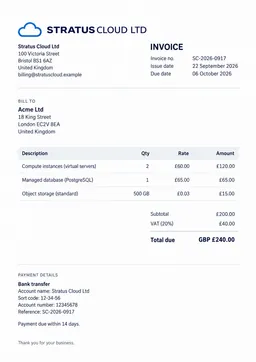
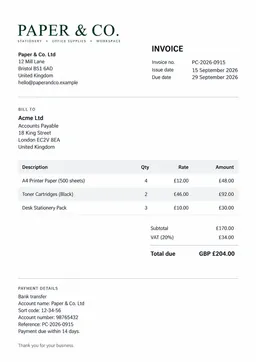
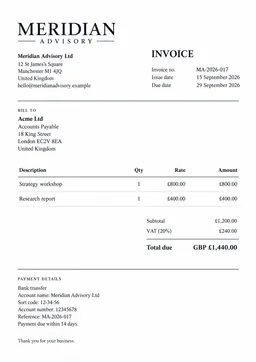
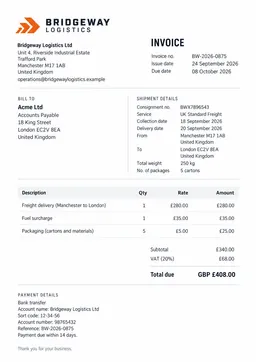
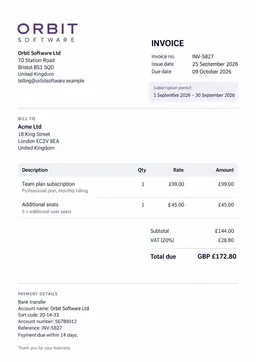
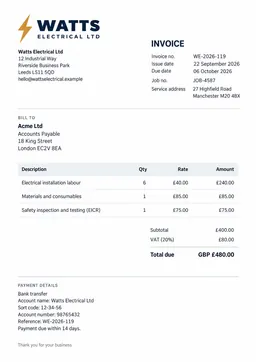
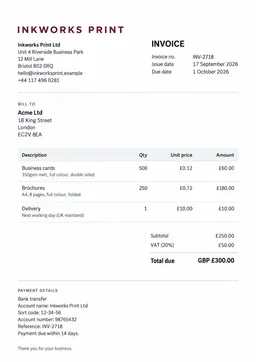
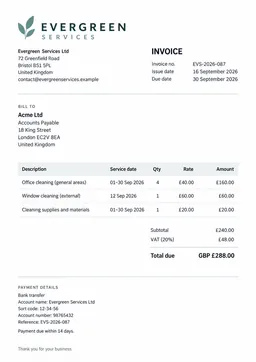
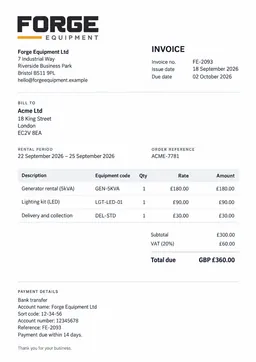
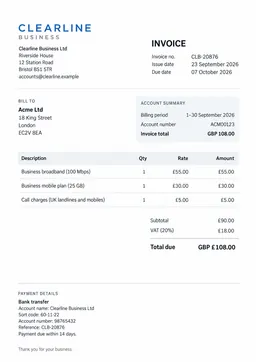
Snap a photo of a paper receipt, or share a PDF, in a WhatsApp chat with Booksmate. It is added to your documents like any invoice Booksmate collects for you, ready for monthly bookkeeping.
Connecting your number
- In the Booksmate desktop app, open Mobile and choose Connect WhatsApp.
- Enter your phone number with its country code.
- Send the code Booksmate shows you from WhatsApp on that phone. Scan the QR code or open the link and the message is ready to send.
Booksmate replies in the chat once you are connected. Each number connects to one organization.
Sending documents
- Send a photo of a receipt or invoice, or share a PDF.
- Booksmate replies when it has your document, and again once it has been added.
- Documents you have already sent are not added twice.
Disconnecting
Send stop in the chat, or disconnect from the desktop app. You can connect again at any time.
For how Booksmate protects your documents, see our Security & Privacy guide.